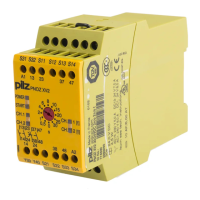
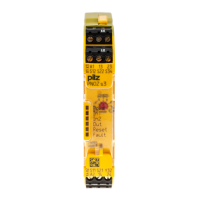
Configure myPNOZ with myPNOZ Creator
Getting started Modular safety relay,myPNOZ
1005615-EN-02
| 13
5.3 Display, save and order myPNOZ configuration
The pre-configured myPNOZ is mapped out in the myPNOZ Creator, including parts list,
and can be saved, shared, printed as a PDF and ordered.
} Wiring
A diagram in the myPNOZ Creator shows how to wire your myPNOZ (see Wire
myPNOZ [ 17]).
} Shutdown matrix
The shutdown matrix shows how the outputs switch depending on the inputs
Save and share configuration
You can create a URL for the project and save or share it. This will enable you to load the
whole project and all its parameters at another time.
What’s more, each configuration has a unique type code. Our example has the type code:
myPNOZ.72.CKA380EB820AD000XB800
The type code can be used to call up the configuration again at any time.
However, only the modules and the settings on the rotary switches are saved.
All other details, such as any descriptions that have been entered, are not included in the
type code.
} Create PDF
You can create a PDF file, which contains all the information about your configuration.
} Display order overview, select connection terminals
All the modules in your myPNOZ are displayed in the order overview.
You can choose between 2 different plug-in connection terminals for the wiring
– Spring-loaded terminals
– Screw terminals
} Submit order
You can then place an order directly via the Pilz E-Shop.
Once you’ve ordered you’ll receive a fully configured and tested myPNOZ, which you can
wire and install and then put into service directly. There is a QR code on the left-hand side
of the head module so that you can change or re-order the configuration at a later date. The
QR code leads you directly to your configuration in the myPNOZ Creator.

 To Next Page
 Loading...