Configure myPNOZ with myPNOZ Creator
Getting started Modular safety relay,myPNOZ
1005615-EN-02
| 11
5.2 Hardware configuration
When you have created the logic configuration, the logic structure is optimised and auto-
matically converted into the appropriate hardware system.
The hardware configuration is mapped out in the myPNOZ Creator. It contains all the ne-
cessary modules and the corresponding settings.
If you already know which hardware modules you need prior to configuration, you can as-
semble and configure your myPNOZ here directly from the various modules.
The following hardware configuration was generated for this example:
Head
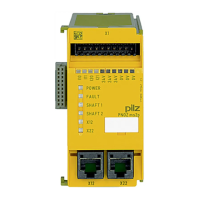
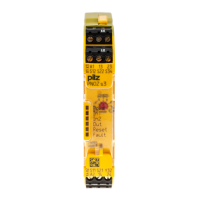
} Head module PNOZ yh1 for the two E-STOP pushbuttons ES1 and ES2 (connected in
series)
Zone 1
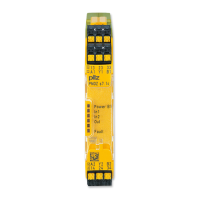
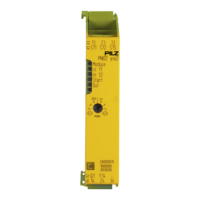
} Input module PNOZ yi1 for the safety gate SG1 and the light curtain LC
} Output module PNOZ yo2 for the relay output
Zone 2
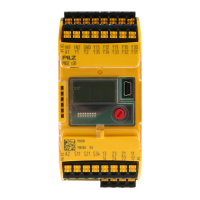
} Input and output module PNOZ yio1 for the safety gate switch SG2 and the semicon-
ductor outputs


 To Next Page
 Loading...