EasyManua.ls Logo

Pioneer XR-P310 - CD PLAYBACK FEATURES; Hi-Lite Scan Function; Repeat and Random Playback

Pioneer XR-P310
36 pages
Print Icon
To Next Page IconTo Next Page
To Previous Page IconTo Previous Page
Loading...
es
the
lapsed
=
MAIN
~+©
3
point
tracks
not
be
of
all
he
AL
mmed
=
total
®,
AL
ot
be
vances
jes
the
End”
is
rapidly
‘Pe
OF
back
of
carried
eaches
mode.
VARIOUS
OPERATIONS
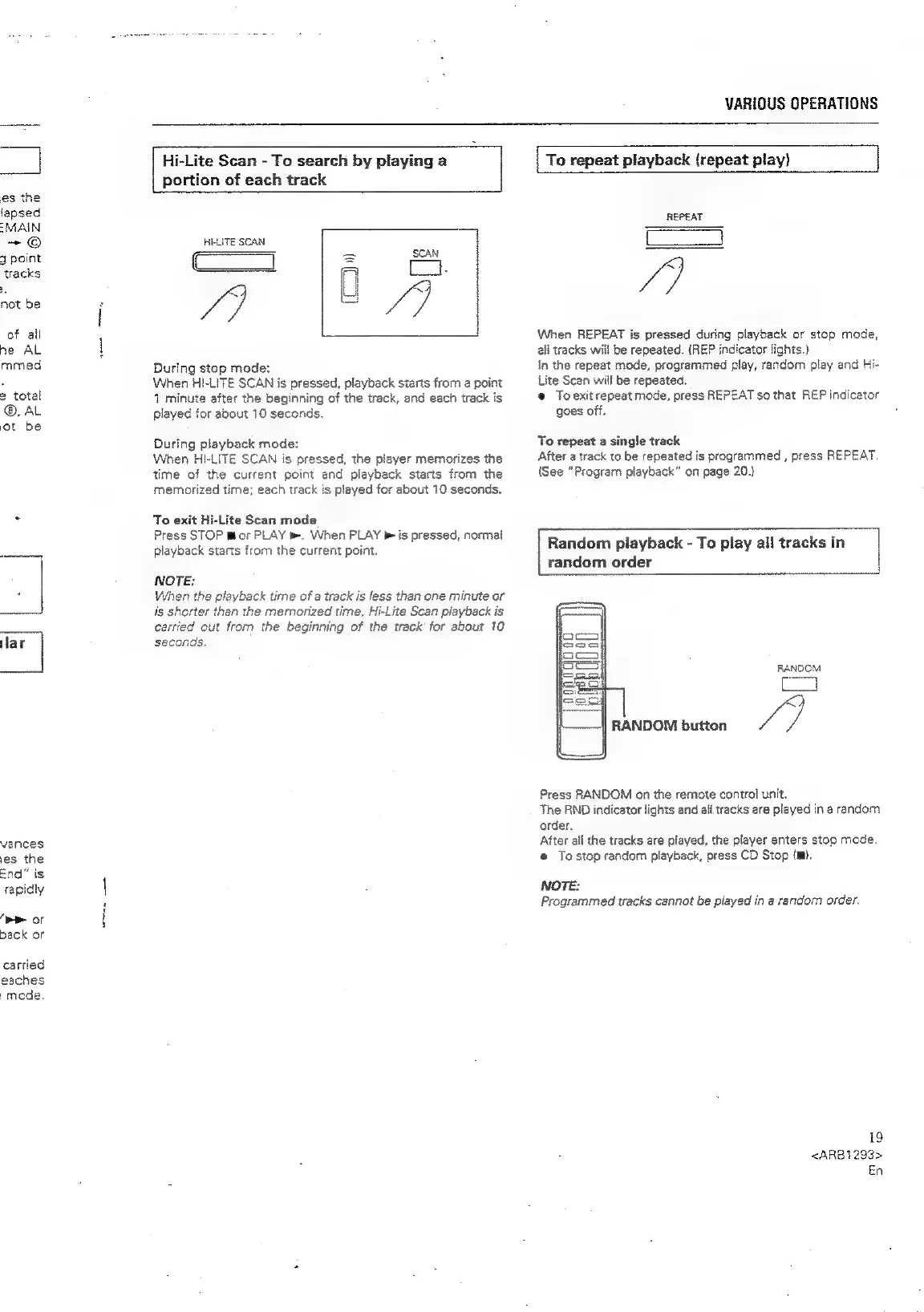
Hi-Lite
Scan
-
To
search
by
playing
a
portion
of
each
track
HI-LITE
SCAN
=o,
ei
During
stop
mode:
When
HI-LITE
SCAN
is
pressed,
playback
starts
from
a
point
1
minute
after
the
beginning
of
the
track,
and
each
track
is
played
for
about
10
seconds.
9
u
During
playback
mode:
When
HI-LITE
SCAN
is
pressed,
the
player
memorizes
the
time
of
the
current
point
and
playback
starts
from
the
memorized
time;
each
track
is
played
for
about
10
seconds.
To
exit
Hi-Lite
Scan
mode
Press
STOP
mor
PLAY
m.
When
PLAY
®
is
pressed,
normal
playback
starts
from
the
current
point.
NOTE;
When
the
playback
time
of
a
track
is
less
than
one
minute
or
is
shorter
than
the
memorized
time,
Hi-Lite
Scan
playback
is
carried
out
from
the
beginning
of
the
track
for
about
10
seconds.
To
repeat
playback
(repeat
play)
REPEAT
ra
When
REPEAT
is
pressed
during
playback
or
stop
mode,
all
tracks
will
be
repeated.
(REP
indicator
lights.)
In
the
repeat
mode,
programmed
play,
random
play
and
Hi-
Lite
Scan
will
be
repeated.
®
Toexit
repeat
mode,
press
REPEAT
so
that
REP
indicator
goes
off.
To
repeat
a
single
track
After
a
track
to
be
repeated
is
programmed
,
press
REPEAT.
(See
“Program
playback”
on
page
20.}
Random
playback
-
To
play
all
tracks
in
random
order
RANDOM
4
RANDOM
button
fe
Press
RANDOM
on
the
remote
control
unit.
The
RND
indicator
lights
and
ail
tracks
are
played
in
a
random
order.
After
all
the
tracks
are
played,
the
player
enters
stop
mode.
e@
Tastop
random
playback,
press
CD
Stop
(m).
NOTE:
Programmed
tracks
cannot
be
played
in
a
random
order.
19
<ARB1293>
En

Related product manuals