EasyManua.ls Logo

Piusi MC BOX - User Manual

Piusi MC BOX
25 pages
Print Icon
To Next Page IconTo Next Page
Loading...
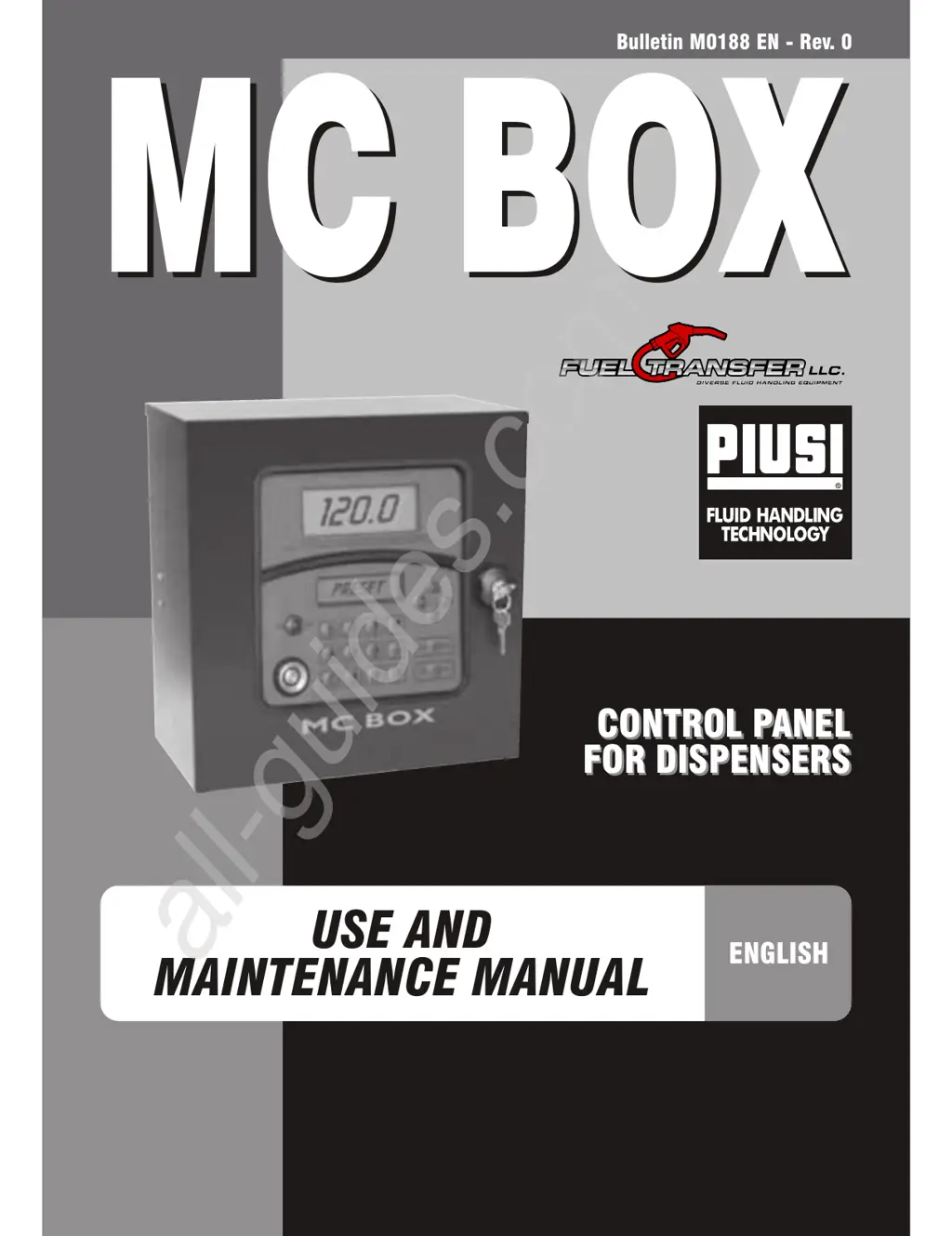
Bulletin M0188 EN - Rev. 0
CONTROL PANEL
FOR DISPENSERS
CONTROL PANEL
FOR DISPENSERS
MC BOX
MC BOX
ENGLISH
USE AND
MAINTENANCE MANUAL
All manuals and user guides at all-guides.com
all-guides.com

Other manuals for Piusi MC BOX

Questions and Answers

  • M
    marshalljeffreyAug 12, 2025
    Why does my Piusi Control Panel MC BOX not switch on?
    • K
      Kimberly HenryAug 12, 2025
      The MC BOX might not be switching on due to a power supply failure. This could be because the power leads are connected incorrectly, the upstream circuit switch is in the OFF position, the power supply fuse is interrupted, or, for DC versions, the vehicle key is in the OFF position when the “ignition on” power supply option is enabled. To resolve this: * Check the connections. * Ensure the disconnect switch is in the ON position. * Check the fuse. * Turn the vehicle key to the ON position.
  • T
    Theresa DelgadoAug 15, 2025
    What to do if my Piusi Control Panel does not communicate with the PC?
    • A
      Alison GarzaAug 16, 2025
      If your Piusi Control Panel isn't communicating with the PC, the issue could stem from several factors: * Incorrect RS485 connection: Ensure the connections are correct. * Driver problems: Verify that the driver on the PC is installed properly and is compatible with the PC’s Operating System. * Damaged converter: Try using a different RS232 or USB converter. If the problem disappears, replace the original converter. * Damaged PC port: Try a different port on your PC or test the device on another PC to isolate the issue. If it works on another PC, the problem lies with the original PC's port.
  • B
    Brianna BrownAug 19, 2025
    What to do if the Piusi Control Panel motor will not start?
    • J
      James GrantAug 19, 2025
      If the motor isn't starting, it could be due to improper connection to the set terminals. Check the connections to ensure they are correctly placed. Also, the action might not be permitted by the nozzle contact. Review how the nozzle contact option has been set (YES/NO) and check the status of the relevant jumper.
  • H
    Heather AdamsAug 23, 2025
    What to do if the Piusi Control Panel system does not recognise the USER with PIN CODE or Electronic key?
    • P
      Patricia BrownAug 23, 2025
      If the system doesn't recognize the USER with PIN CODE or Electronic key, it could be due to several reasons: * The user might not have been configured by the system MANAGER yet. The system MANAGER needs to set up a New User. * The key may not be linked to the User by the system MANAGER. The system MANAGER needs to link the key to the User. * The keyboard could be damaged, preventing proper data insertion. In this case, change the keyboard. * The electronic key might be damaged and no longer recognized. In this case, change the electronic key.
  • J
    Jessica LunaAug 27, 2025
    What to do if the Piusi Control Panel count is inaccurate?
    • K
      Kimberly AlexanderAug 27, 2025
      If the count is inaccurate, the system may not be calibrated. Calibrate the system according to the appropriate procedure.
  • M
    Mallory HarperAug 30, 2025
    What to do if Piusi Control Panel DOES NOT COUNT when dispensing?
    • P
      Phillip RomeroAug 30, 2025
      If the Piusi Control Panel isn't counting during dispensing, it could be because the pulser that emits the count signals hasn't been connected properly. Check the connections. Also, the pulser that emits the count signals might not be compatible with the electronics. An incoming electronic signal, namely “clean contact” or “OpenCollector”, should be received. If the input signal is an incompatible voltage signal, the electronic board is likely to be damaged, in addition to the malfunction.
  • I
    iparkerSep 3, 2025
    Why is the count still inaccurate on my Piusi Control Panel even after calibration?
    • D
      Dawn RuizSep 4, 2025
      If the count remains inaccurate even after calibration, or is accurate only for low flow rates, the signal sent by the Pulser might be outside the acceptable electronic ranges. The maximum pulsation frequency must be 70 Hz and the duty cycle should be between 20% and 80%. If the system receives data outside these ranges, it won't process it correctly. Adapt the system to fit within the correct ranges, possibly by interposing other electronic interface devices.
  • S
    Stephen VazquezSep 7, 2025
    What to do if the Piusi Control Panel turns on but displays are irregular?
    • T
      Tracy CarterSep 7, 2025
      If the MC BOX turns on, and the displays light up, but no words appear, or the words that appear are irregular and the system does not respond to any commands, the AUTO/MAN jumper may be in the MAN position. To fix this, put the jumper to the AUTO position.

Summary

Declaration of Conformity

Manufacturer Declaration

Manufacturer certifies compliance with EU directives for the MC BOX diesel fuel dispenser.

First Aid Rules

First Aid Procedures

Provides guidance for ingestion of toxic liquids and electric shock incidents.

General Information

MC BOX System Overview

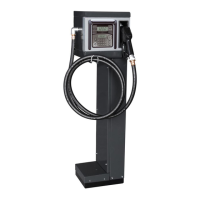
Describes the MC BOX as a private fuel distribution system with electronic panel, pump, and flow meter.

Safety Instructions

Permitted Uses and Electrical Precautions

Details correct usage, electrical safety, and authorized personnel for service.

Transport and Disposal

Handling and Unpacking

Instructions for shipping, handling, and unpacking the MC BOX, including packaging disposal.

Component Disposal

Guidelines for disposing of packaging, metal, and electronic components according to environmental regulations.

Manual Usage and Identification

Using the Manuals

Explains the manual's scope and importance for safe installation, operation, and maintenance.

MC BOX Identification Plate

Details the information found on the MC BOX identification plate, such as model and serial number.

Description of Main Parts

MC BOX Features

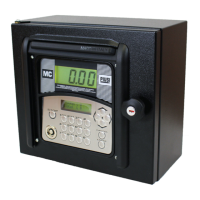
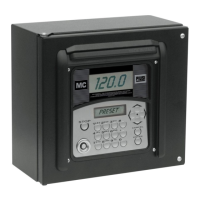
Outlines the MC BOX's sturdy construction, electronic control panel, and key interfaces for operation.

Technical Specifications

Permitted Uses

Specifies the intended private use of the fluid dispensing system and ATEX considerations.

Control System Performance

Refers to the M0187 manual for detailed performance of the MC control system.

Metering Precision

Explains that metering precision is influenced by pulsation type and refers to specific manuals.

Absorbed Power

Lists acceptable variations for voltage and frequency parameters in AC and DC versions.

Installation

General Installation Guidelines

Advises on outdoor installation location under shelter for longevity and user comfort.

Electrical Connections

Details requirements for skilled personnel and compliance with local laws for power connections.

Commissioning

Electrical Power Supply

Instructions on energizing the MC BOX after power connections are made, including fuse notes.

Station Configuration

Explains the need for MC system configuration by skilled personnel for station requirements.

System Operation Modes

Disengaging the MC System

Describes switching to MANUAL mode for simplified startup and maintenance by using a jumper.

Meter Calibration and Daily Use

Meter Calibration

Procedures for checking and calibrating meter accuracy using a calibrated container.

Everyday Use

Access to MC BOX models is provided to authorized users via PIN code or electronic key.

Fuel Dispensing

Fuel Dispensing Procedure

Details the steps for fuel dispensing, including PIN code entry and pump activation.

Routine Maintenance

MC Control System Maintenance

States the MC system is maintenance-free and refers to the M0187 manual for control.

Troubleshooting Guide

Lists common problems, their possible causes, and solutions for the MC BOX system.

Special Maintenance

Checking and Replacing Fuses

Step-by-step guide for checking and replacing fuses on electronic boards and in junction boxes.

Spare Parts

MC BOX Spare Parts Identification

Illustrates and labels the individual spare parts for the MC BOX.

Manufacturer and Service Data

Product and Documentation Information

Provides manufacturer details, document type, edition, product, model, conformity, and technical support.

Piusi MC BOX Specifications

General IconGeneral
ModelMC BOX
CategoryControl Systems
Fluid CompatibilityDiesel, Oil
Enclosure RatingIP55
Pump CompatibilityExternal pumps
User IdentificationPIN code
Data TransferUSB
Power Supply230 VAC or 12/24 VDC (depending on model)
Input Voltage230 VAC or 12/24 VDC (depending on model)
Operating Temperature-20°C to +50°C