Operating the Display
Planar Simplicity M Series User Manual
020-1409-00A
o Select All: Select all items in the current folder, and de-select all items in the
current playlist
o Delete All: Remove all items from the current playlist
o Add / Remove: Add or keep checked items in the playlist.
o Remove unchecked items from the playlist if present.
o Sort: Rearrange the order of files in the playlist
o Save / Abort: Save or discard the changes to the playlist
Note: Save changes to the playlist once, modifications are complete. Any
unsaved changes will be lost.
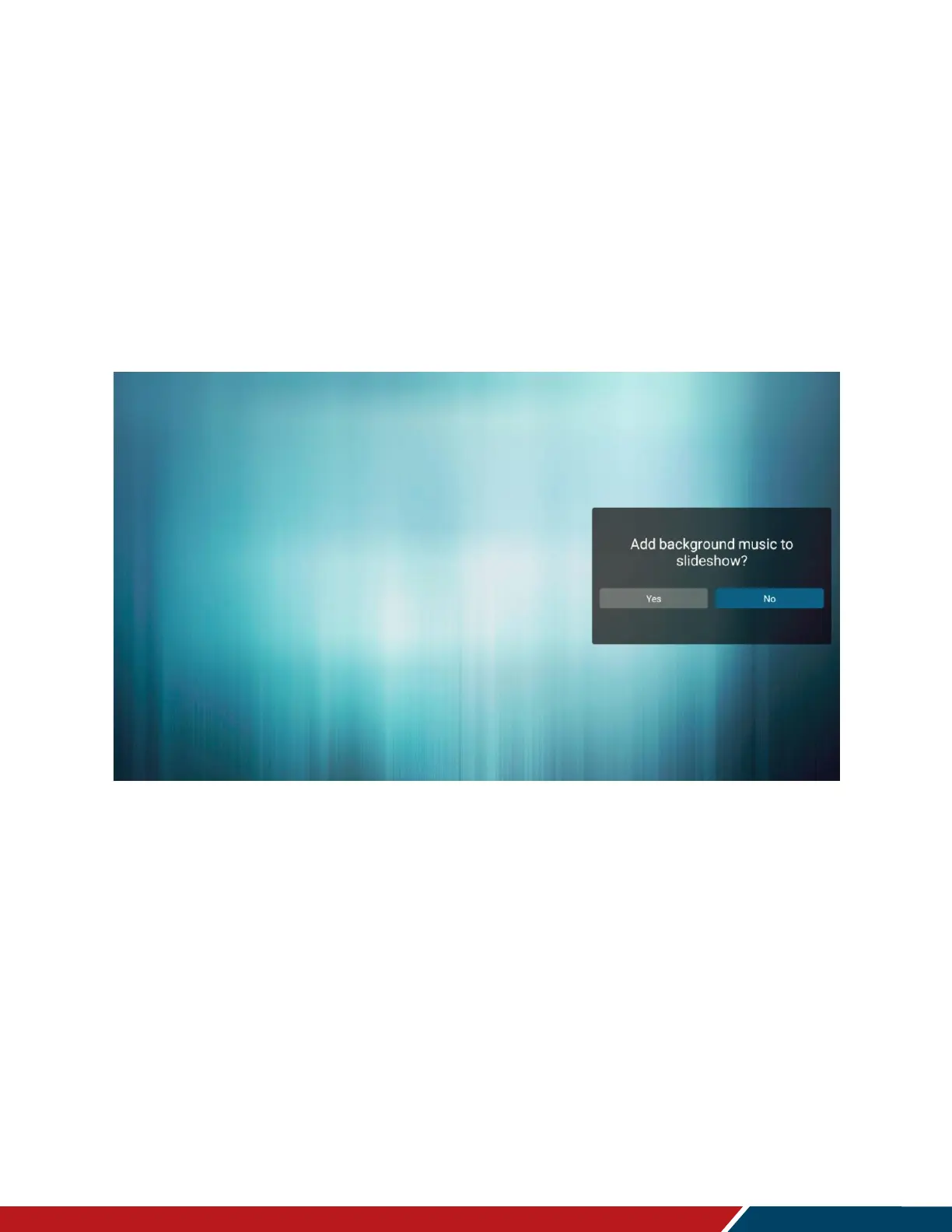
o After saving the playlist, background music can be added.
Note: This option is displayed after saving a playlist (see image below).
o Back: Close the sidebar menu



 To Next Page