Operating the Display
Planar PS Series 4K Displays User Manual
020-1384-00C
16.1 Locking/Unlocking the OSD Menus
You can lock or unlock the OSD menus by pressing a series of key commands on the remote control.
To lock the menu, press the following keys on the remote in the order listed: ENTER, ENTER, EXIT,
EXIT, ENTER and EXIT. To unlock it, simply follow the same sequence.
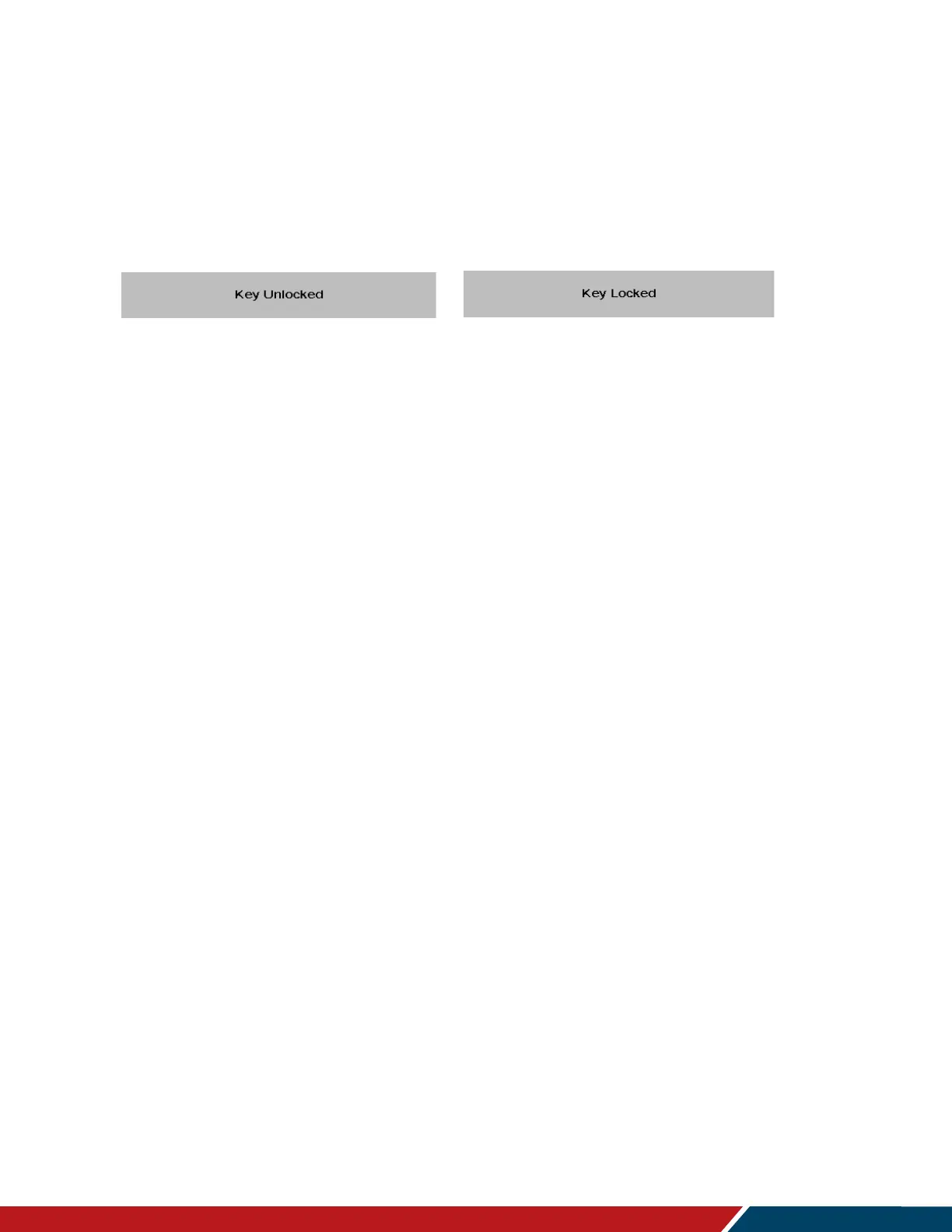
Depending on whether you locked or unlocked the menu, you will see one of the following messages
on the screen.



 To Next Page