Operating the Display
Planar PS Series 4K Displays User Manual
020-1384-00C
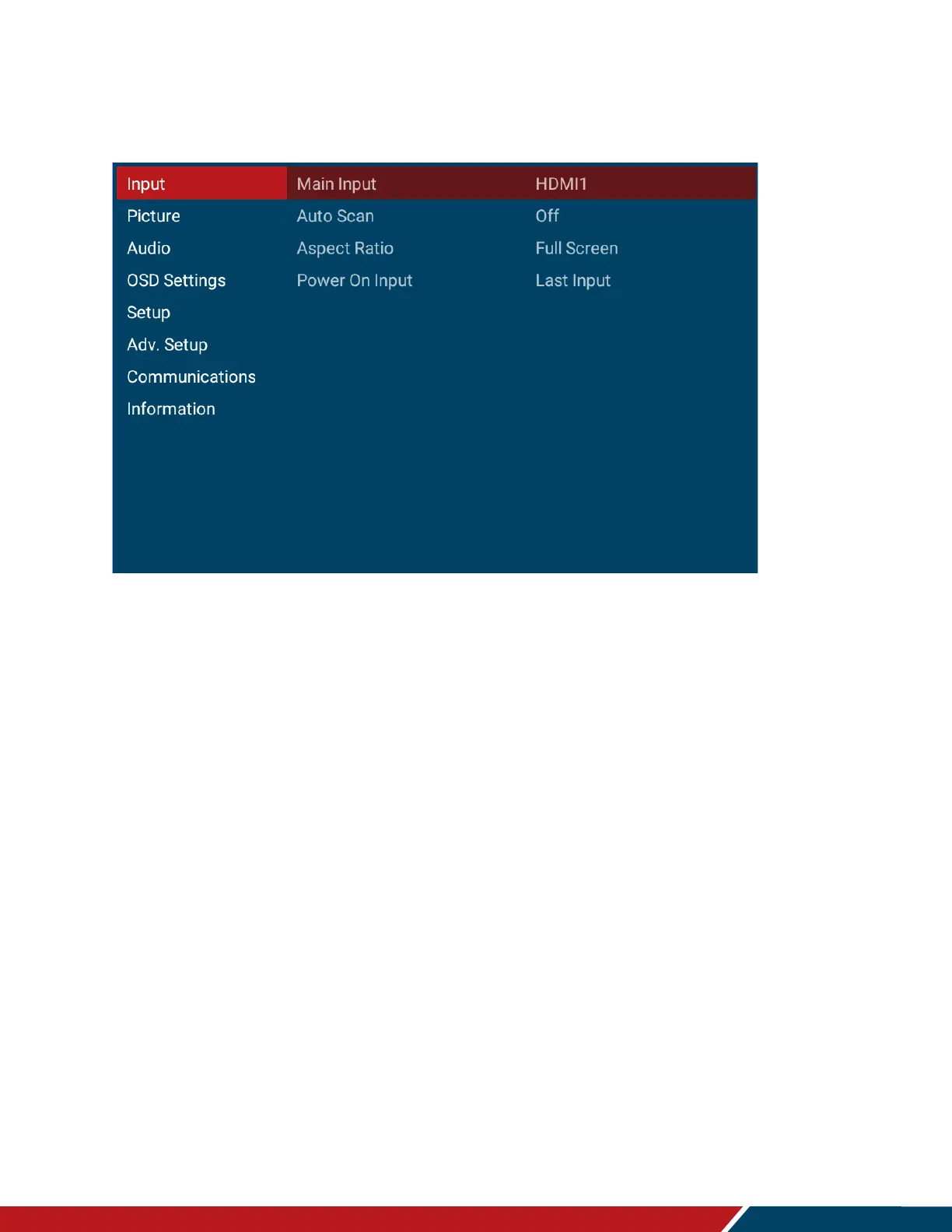
18. Input Menu
Below are the menus used for selecting the input sources for all models:
Main Input
Select the input source
Options: VGA, HDMI1, HDMI2, DP, Android, Web Browser, Android APP
Default: HDMI1
Auto Scan
Select to scan inputs in order until a valid signal is detected. Continue scanning when the
signal on the selected input is lost.
Options: On, Off
Default: Off
Aspect Ratio
Adjust the aspect ratio of the screen.
Options: Full Screen, Letterbox, 4:3, Native
Default: Full Screen
Power On Input
Select the input source to be displayed at power up. Selecting Last Input will cause the
last selected input to be used as the power up source.
Options: Last Input, VGA, HDMI1, HDMI2, DP, Android, Web Browser, Android APP
Default: Last Input



 To Next Page