Operating the Display
Planar PS Series 4K Displays User Manual
020-1384-00C
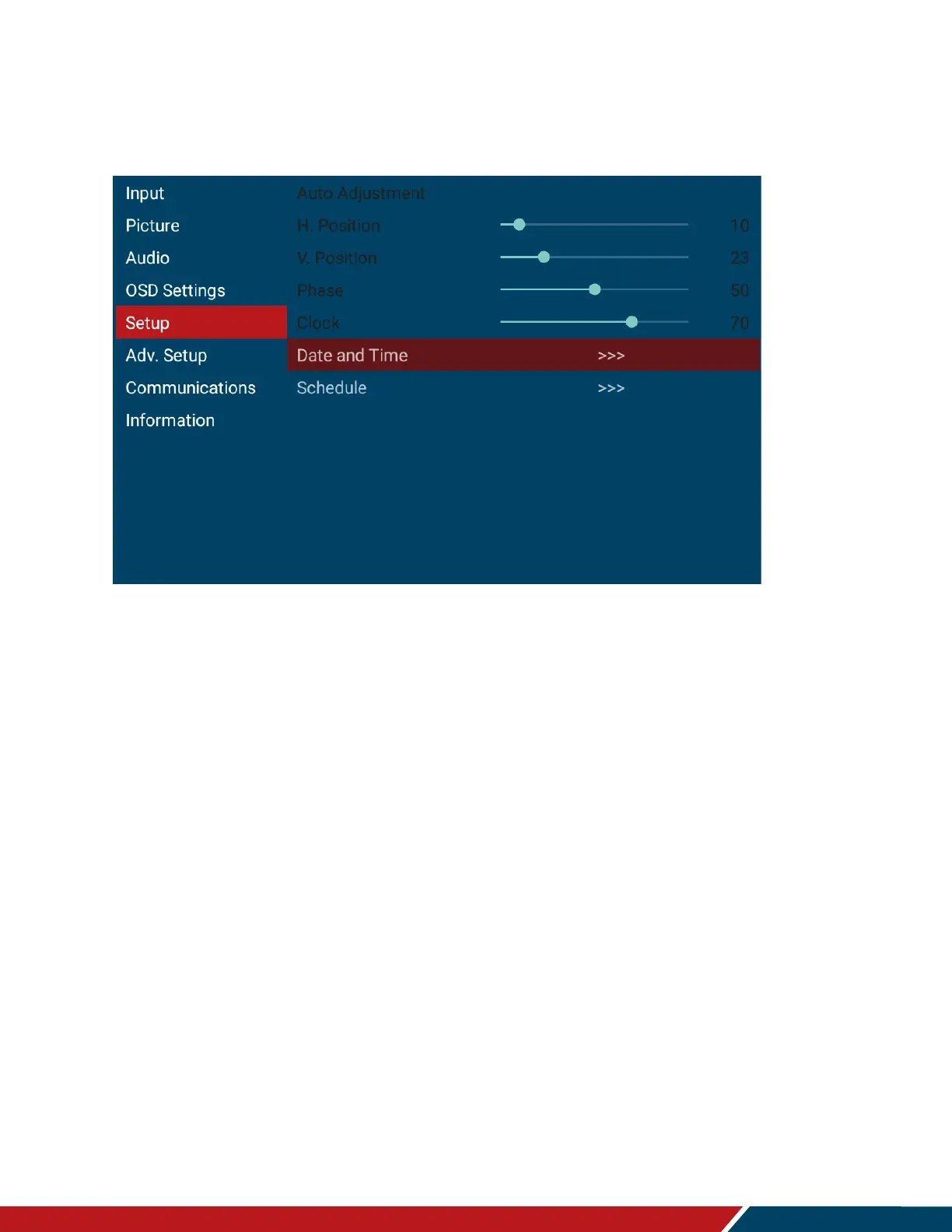
22. Setup Menu
Auto Adjustment
Force the display to reacquire and lock to the input signal (VGA source only). This is
useful when the signal quality is marginal.
Note: This feature does not continually reacquire the signal.
H Position
Adjust the horizontal position of the image (VGA source only). Press or to select the
desired level.
Range: 0~100
Default:50
V Position
Adjust the vertical position of the image (VGA source only). Press or to select the
desired level.
Range: 0~100
Default: 50
Phase
Adjust the phase of the displayed signal (VGA source only). Press or to select the
desired level.
Range: 0~100
Clock
Adjust the clock of the displayed signal (VGA source only). Press or to select the
desired level.
Range: 0~100



 To Next Page