Operating the Display
Planar PS Series 4K Displays User Manual
020-1384-00C
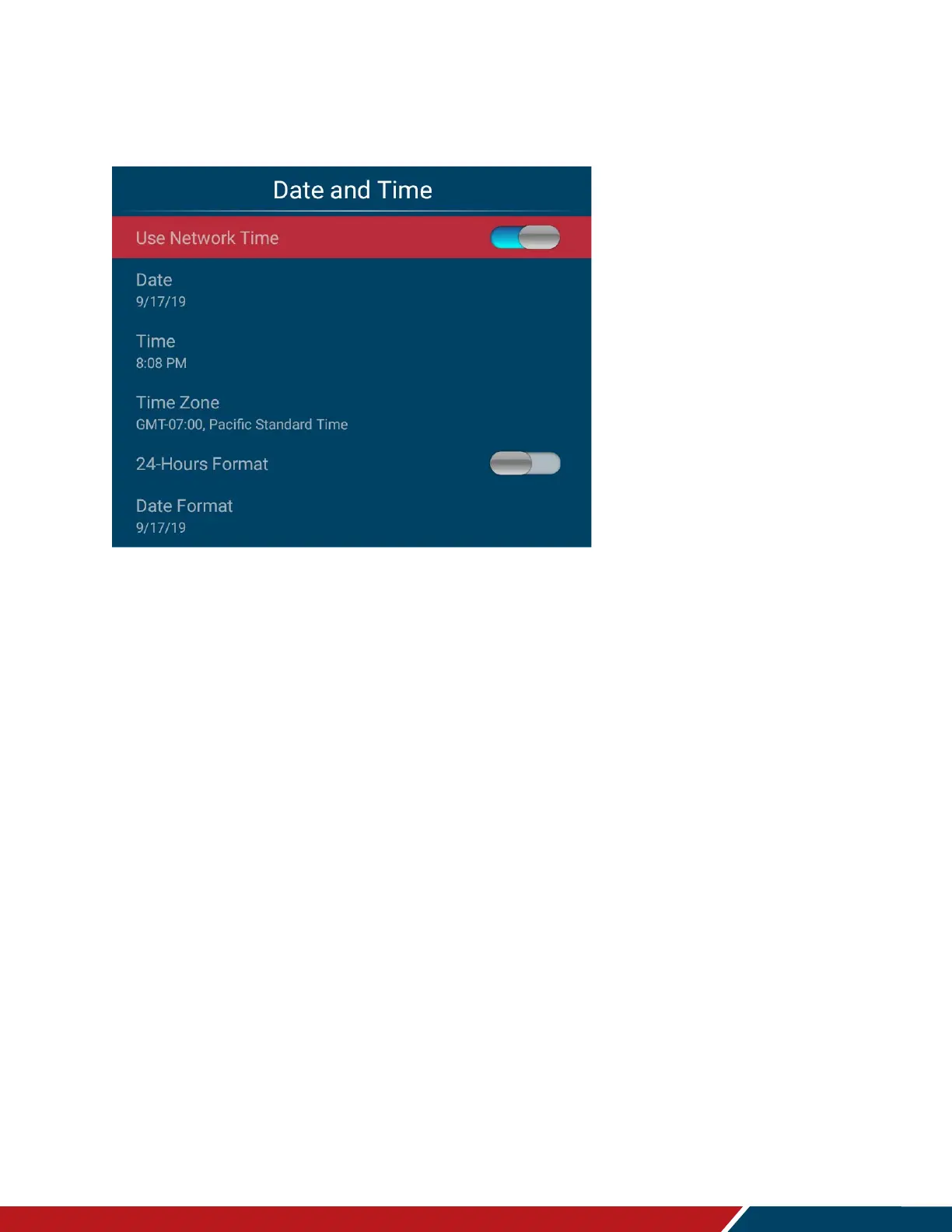
Date and Time
This menu is used to set the internal clock of the display.
Use Network Time
Automatically set the current date and time information from a network.
Options: On, Off
Default: On
Date
Set the current date. Configurable when Use Network Time is turned off.
Time
Set the current time. Configurable when Use Network Time is turned off.
Time Zone
Select the current time zone.
24-Hours Format
Change the time format to a 24-hour format.
Options: On, Off
Default: Off
Date Format
Select the desired date format.
Options: month/day/year, day/month/year, year/month/day



 To Next Page