Operating the Display
Planar PS Series 4K Displays User Manual
020-1384-00C
26.2 Apps
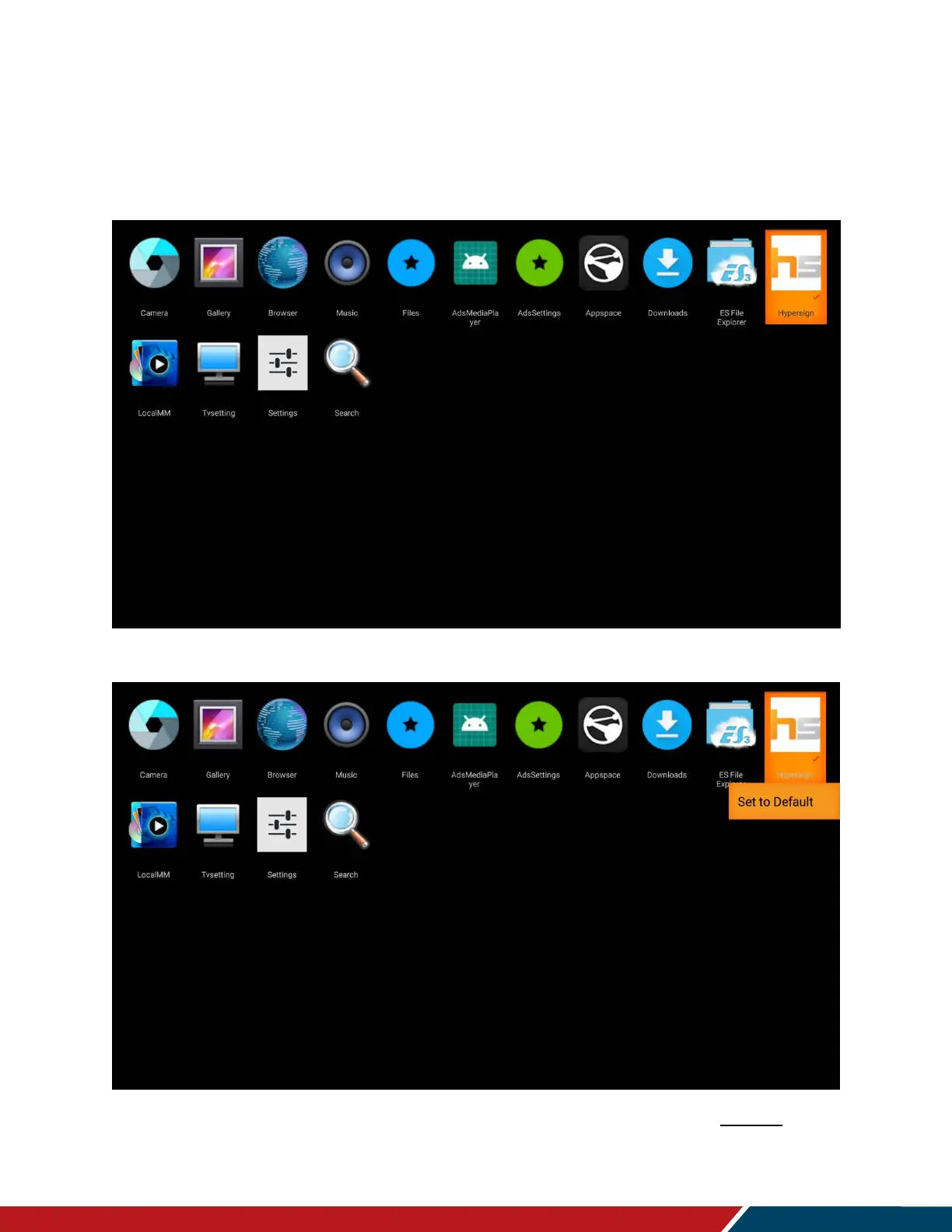
Lists pre-installed apps on the display. Select an app to run it.
To set a default app, long press on an app and a selection pops up then click on Set to Default.
The default app name will be displayed on the OSD Information Menu (see page 47
).
By default, the input source of Android App will allow the default app to be automatically



 To Next Page