Operating the Display
Planar PS Series 4K Displays User Manual
020-1384-00C
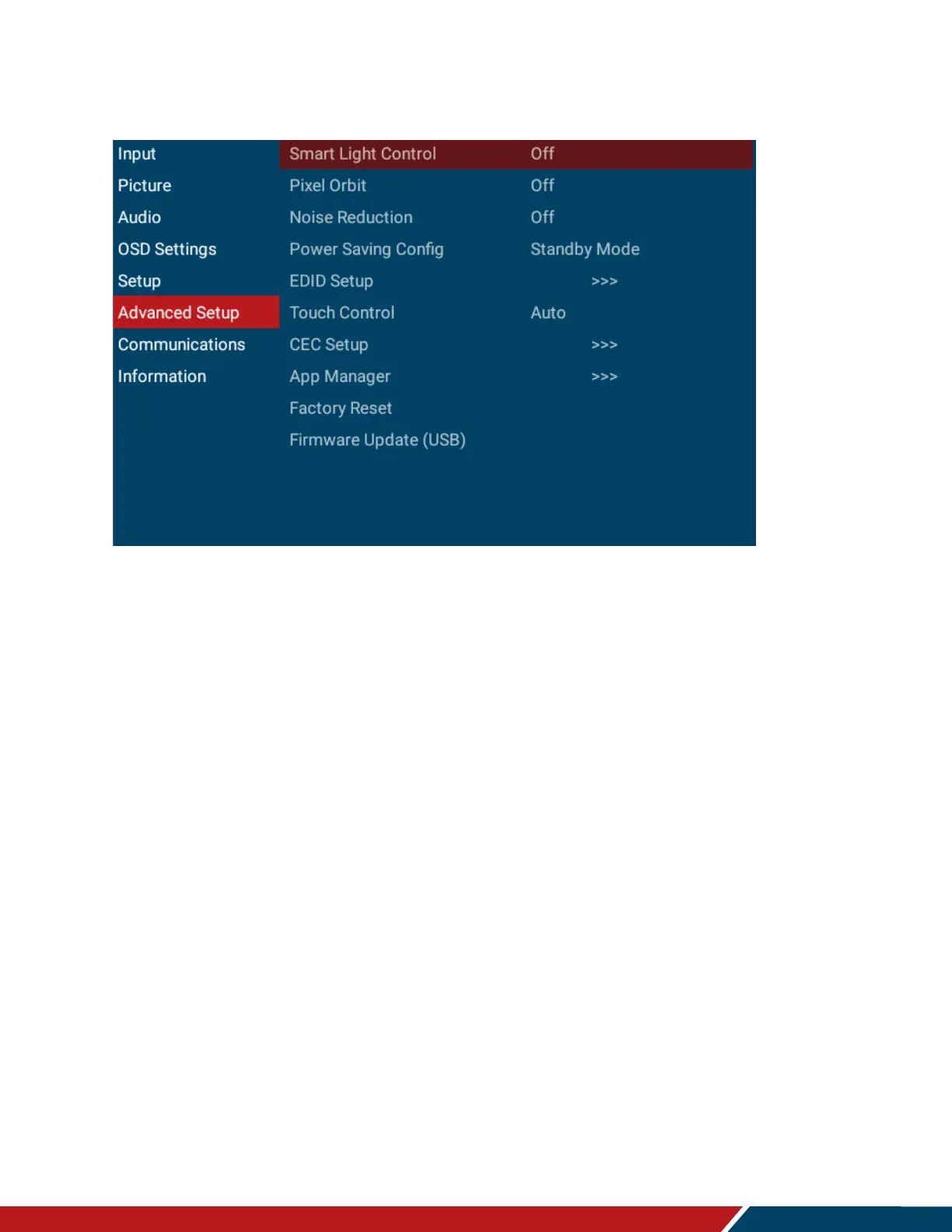
23. Advanced Setup Menu
Smart Light Control
Enable dynamic contrast
Options: On, Off
Default: Off
Pixel Orbit
Create slight frame motion to help avoid image retention
Options: On, Off
Default: Off
Noise Reduction
Reduce random noise in video content
Options: Off, Low, Medium, High, Auto
Default: Off
Power Saving Config
Select the behavior of the display when a signal is detected while in standby mode.
Standby Mode will turn on the display when a signal is detected on the VGA or HDMI
input. Wake on All will turn on the display when a signal is detected on any input.
Options: Standby Mode, Networked Standby Mode, Wake on All, Always On
Default: Standby Mode
Note: For Standby Mode and Wake on All, the display will enter power saving mode if
no signal is received for 5 minutes.
Note: RS232 and LAN functionality will not work in standby mode if Standby Mode is
selected. Use another Power Saving Config selection if RS232 or LAN support is
needed.



 To Next Page