Operating the Display
Planar PS Series 4K Displays User Manual
020-1384-00C
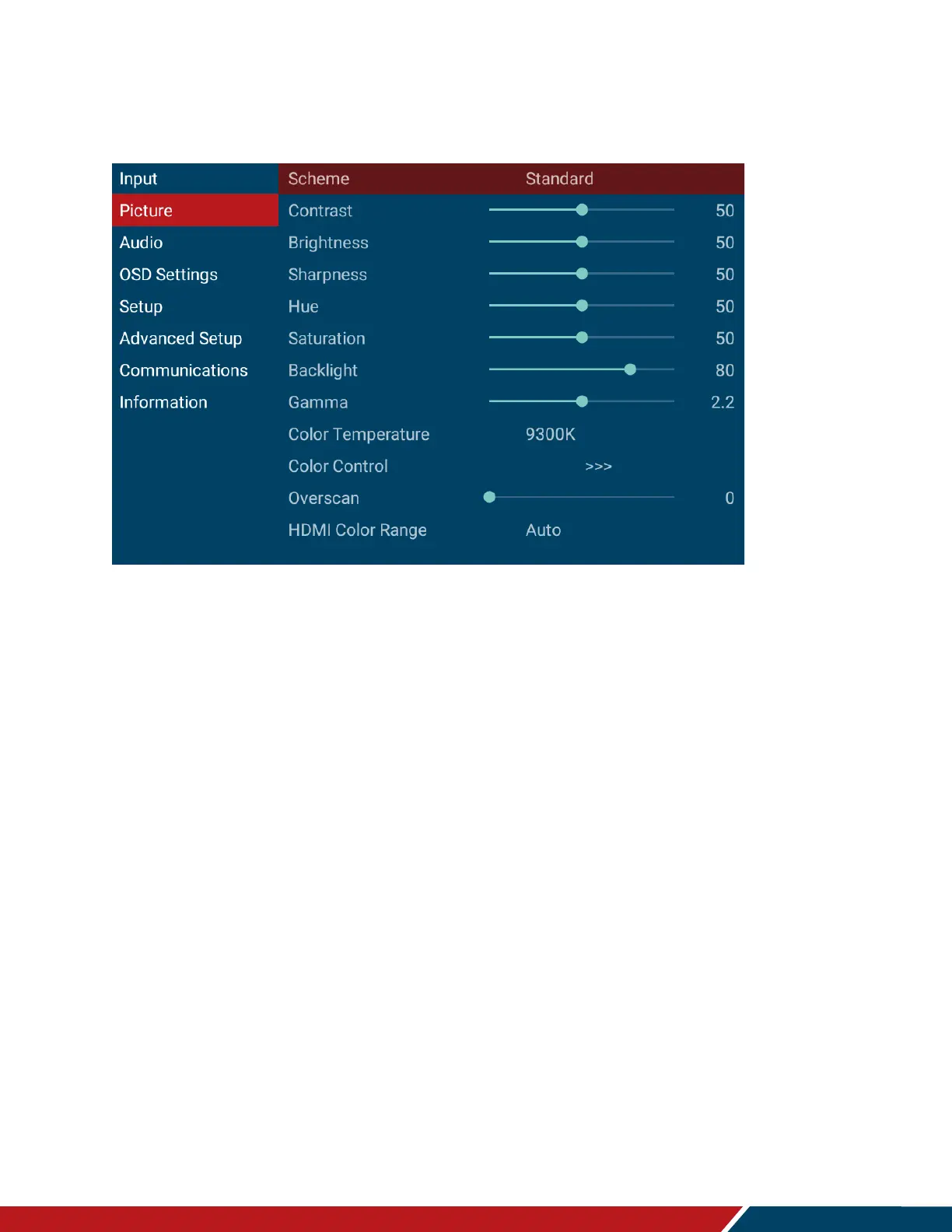
19. Picture Menu
This menu is used for making common image adjustments.
Scheme
Press to select one of the following:
Options: Standard, Soft, User, Vivid, Natural, Sports
Default: Standard
Contrast
Increase or decrease the contrast of picture. Press or to select the desired level.
Range: 0~100
Default: 50
Brightness
Increase or decrease the brightness of picture. Press or to select the desired level.
Range: 0~100
Default: 50
Sharpness
Adjust the definition of picture. Press or to select the desired level.
Range: 0~100
Default: 50
Hue
Increase or decrease the green hue. Press or to select the desired level.
Range: 0~100
Default: 50
Saturation
Adjust the brilliance and brightness. Press or to select the desired level.



 To Next Page