Operating the Display
Planar PS Series 4K Displays User Manual
020-1384-00C
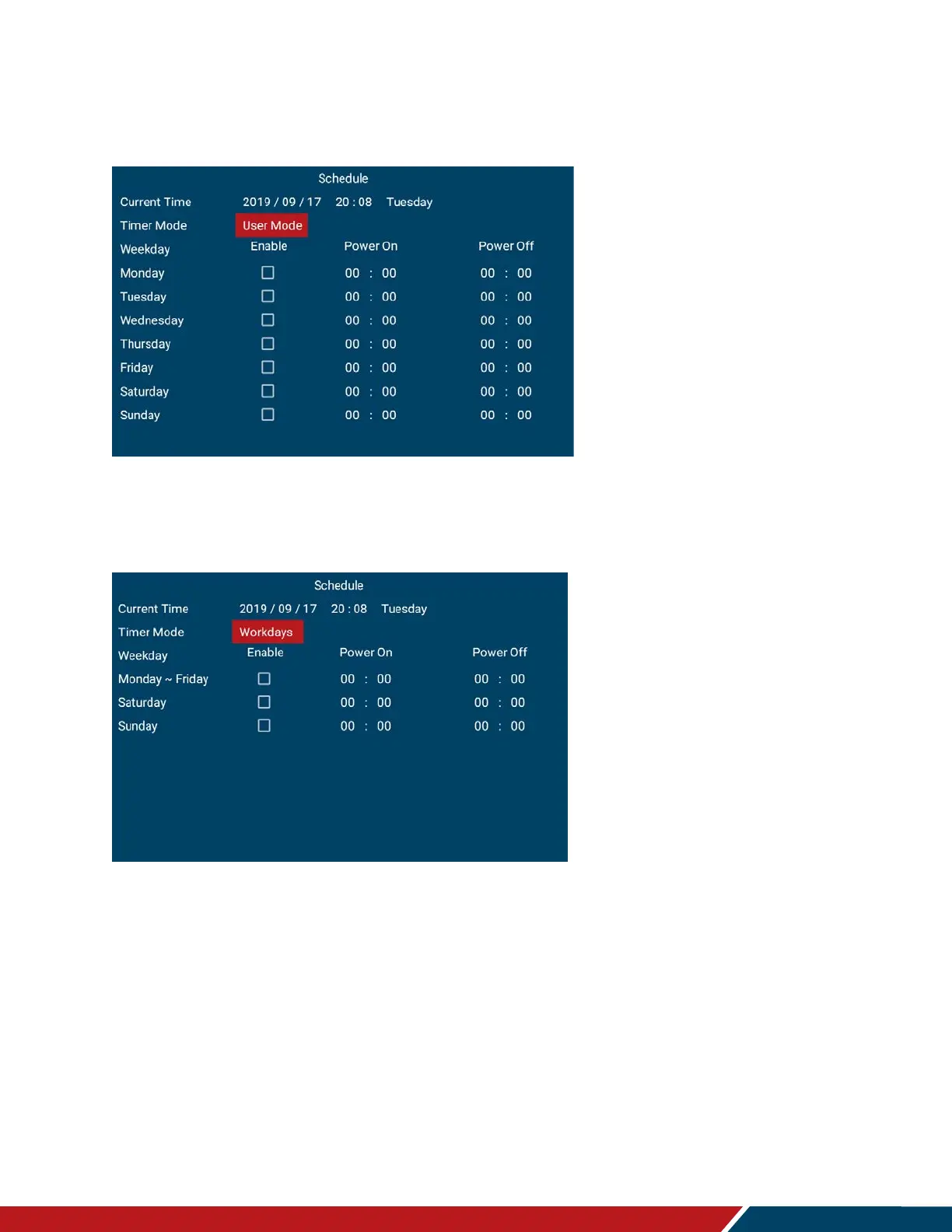
Schedule
This menu is used to set power on and power off the display at preset times if desired.
Up to three different schedules can be set.
User Mode
Select the power on/off time for each day of the week
Options: Disable, Enable
Use the arrow keys to specify the on and off times
Workdays
Select the power on/off time for Monday–Friday, Saturday, and Sunday
Options: Disable, Enable
Use the arrow keys to specify the on and off times.



 To Next Page