HDMI / Video Wall over IP with PoE
IHD-200PT / IHD-200PR
19
③
: The IP address of transmitter side.
④
: Ast-client: It represents receiver.
⑤
: The IP address of receiver side.
⑥
: Beware, even though the name of receivers are the same, you can tell the
difference by the IP address.
⑦
: You can see the information here.
After PC’s IP Setting is complete, double click the device’s name and then get to
the Web UI to do the configuration.
3.2. Setting TCP/IP on your PC
If you are using Windows XP, do as follows:
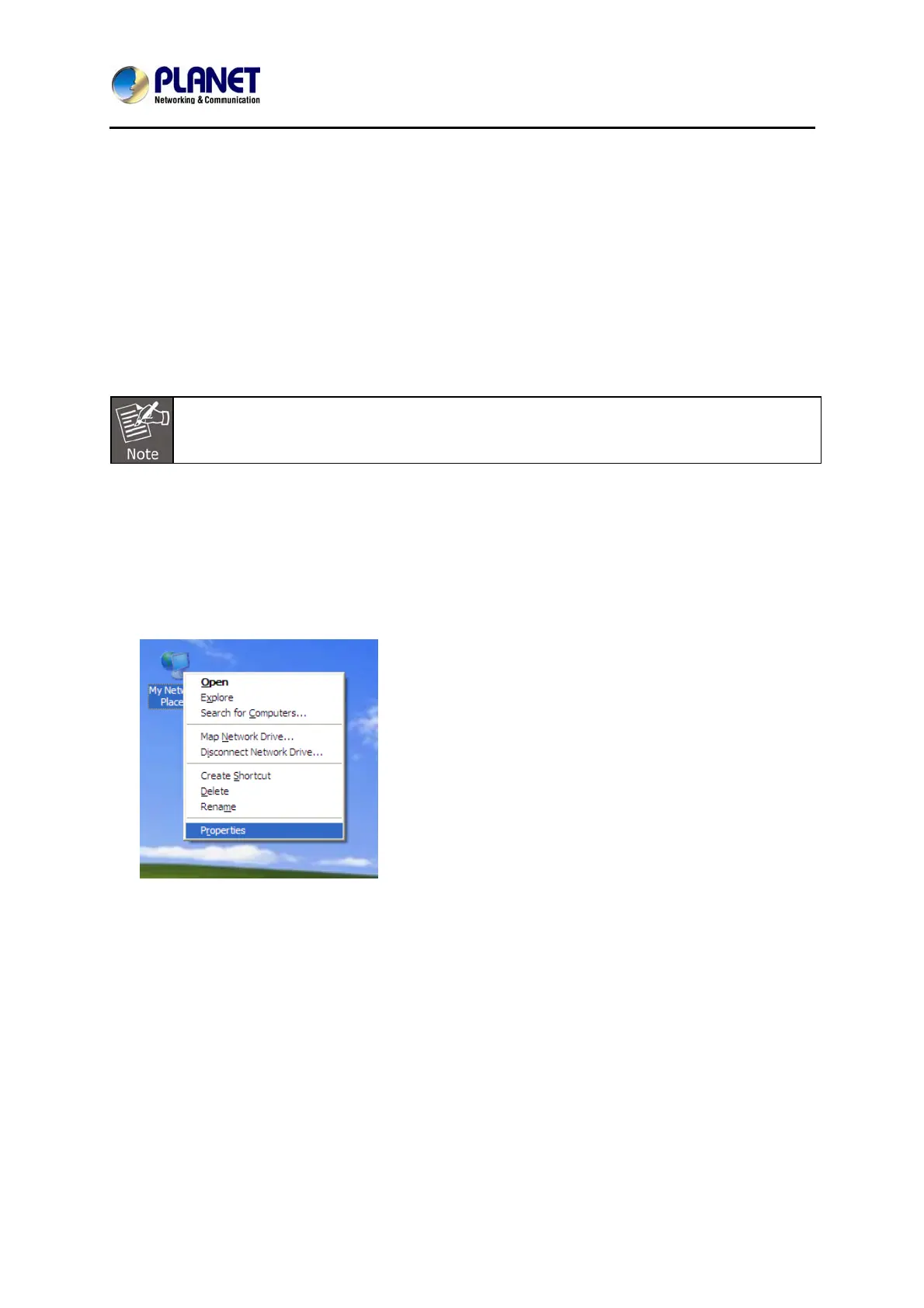
1. From the desktop, right-click My Network Places > Properties.



 To Next Page