HDMI / Video Wall over IP with PoE
IHD-200PT / IHD-200PR
30
4.2.2. Setup Step (Examples)
1. 1 x 2 video extender
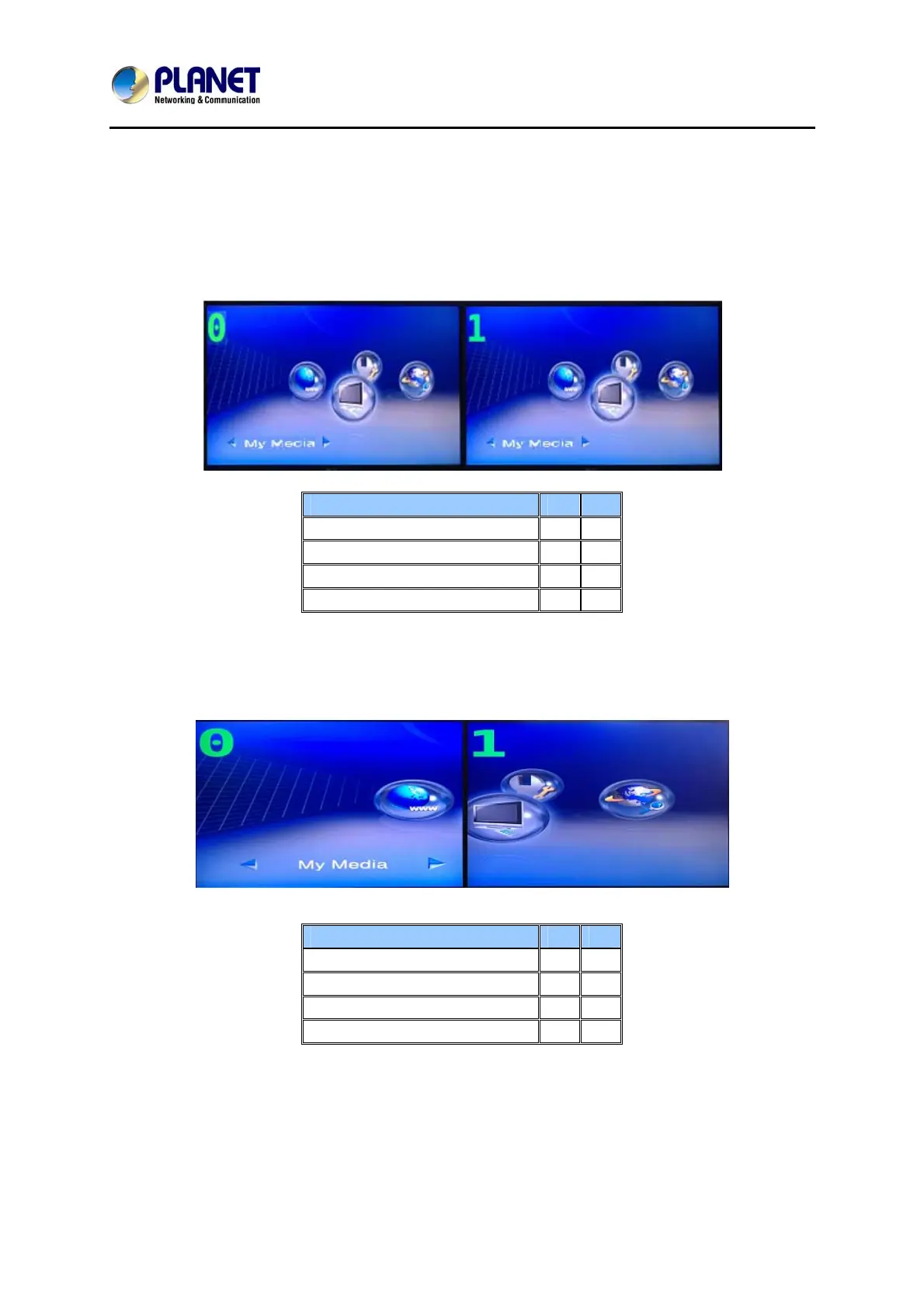
If you want to set a 1 x 2 “video extender” as shown in the following picture, you may
refer to the following table and see the steps below:
OSD 0 1
Vertical Monitor Count 1 1
Horizontal Monitor Count 1 1
Row Position 0 0
Column Position 0 0
2. 1 x 2 video wall
If you want to set a 1 x 2 “video wall” as shown in the following picture, you may refer
to the following table and see the steps below:
OSD 0 1
Vertical Monitor Count 1 1
Horizontal Monitor Count 2 2
Row Position 0 0
Column Position 0 1
Step 1
Show OSD: Check this item and all monitors will show their number on the screen.
Step 2
Row Position / Column Position: Decide which part of the screen will be applied to a
monitor.



 To Next Page