HDMI / Video Wall over IP with PoE
IHD-200PT / IHD-200PR
28
2. Wall Size and Position Layout:
Step 1
Vertical Monitor Count x Horizontal Monitor Count: If the video wall is 2 x 2, then set
up Vertical Monitor Count and Horizontal Monitor Count as 2. (maximum: 8 x 8)
Step 2
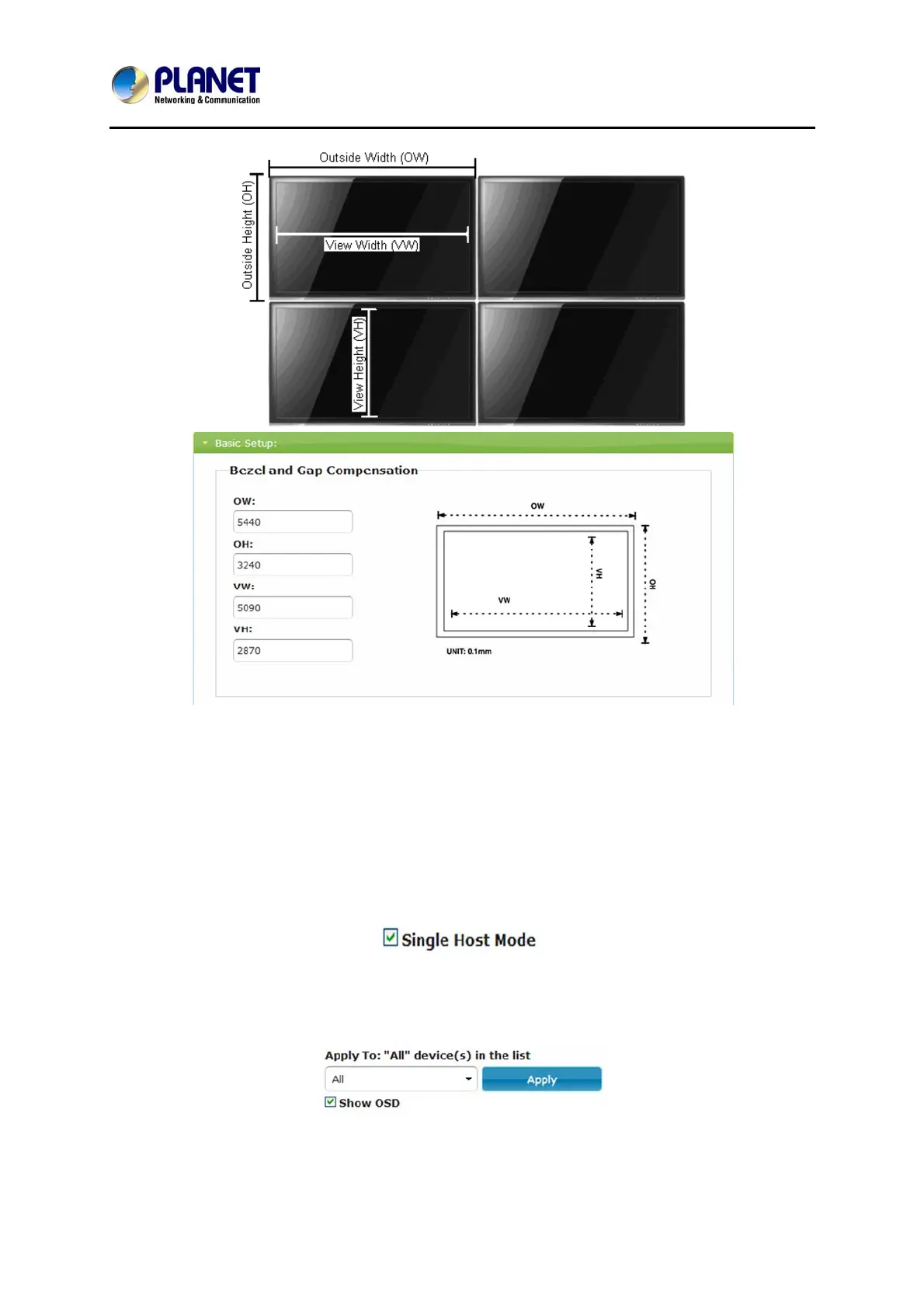
Single Host Mode: Must check this item for single host application.
Step 3
Apply To: Select “All” and check “Apply” button for your settings and all screens will
refresh.
3. Configuring row and column position for each display



 To Next Page