HDMI / Video Wall over IP with PoE
IHD-200PT / IHD-200PR
36
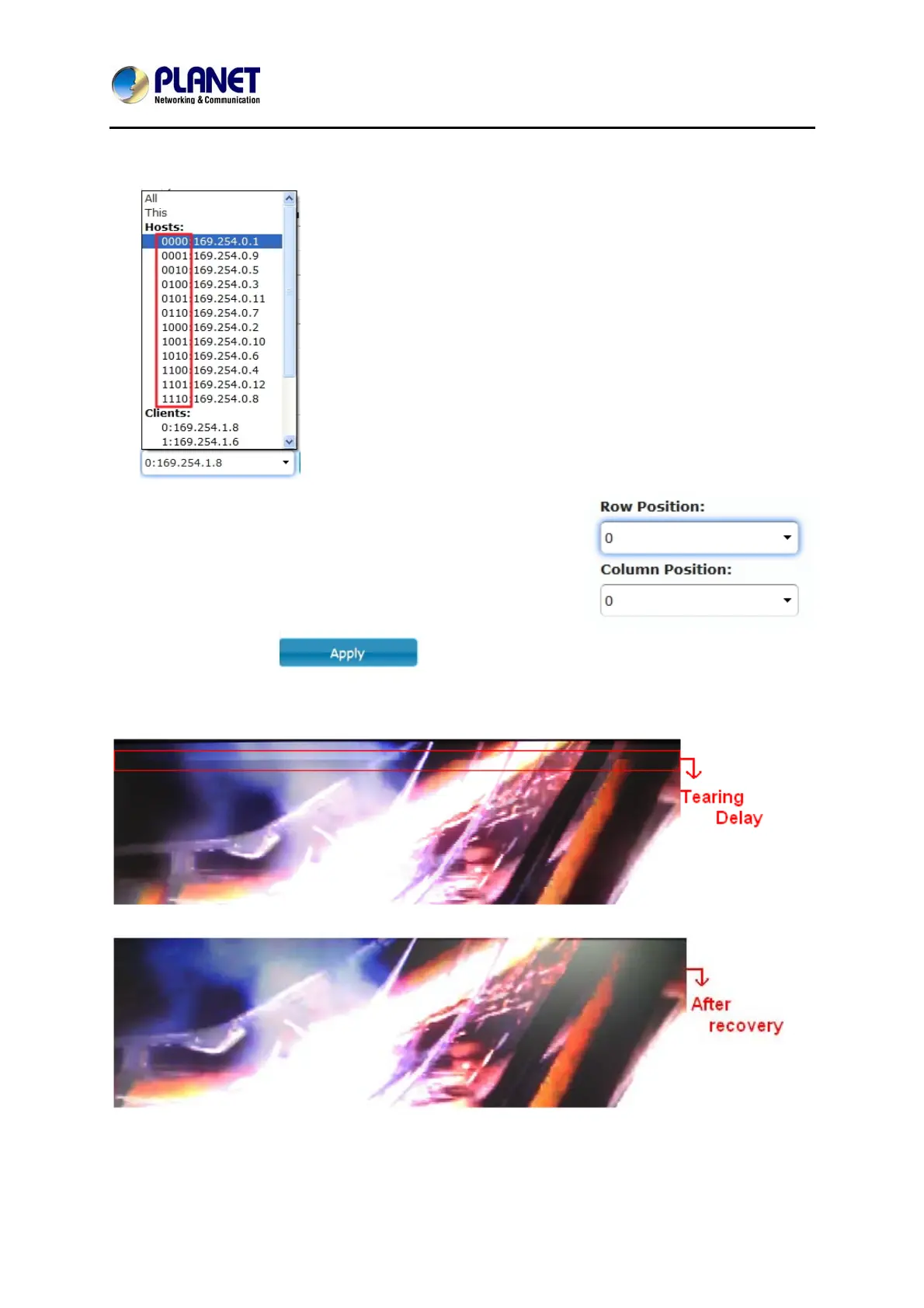
a). Choose a host (Tx); the ID number (4 digits) should refer to rotary switch position
(1~F); see Rotary Switch chart.
b). The row & column positions of 1st row should be 0 &
0. The 2nd row is 1 & 0. The 3rd row is 2 & 0, and so
forth.
For example: The ID number of “Tx 1 host” is 0000,
and the row/column position should be 0 & 0.
c). Press “Apply”
7. Set up Row/Column Position for each client; see Video Wall Setting-Basic Setup.



 To Next Page