EasyManua.ls Logo

Planet ITB-3001 - User Manual

Planet ITB-3001
47 pages
Print Icon
To Next Page IconTo Next Page
Loading...
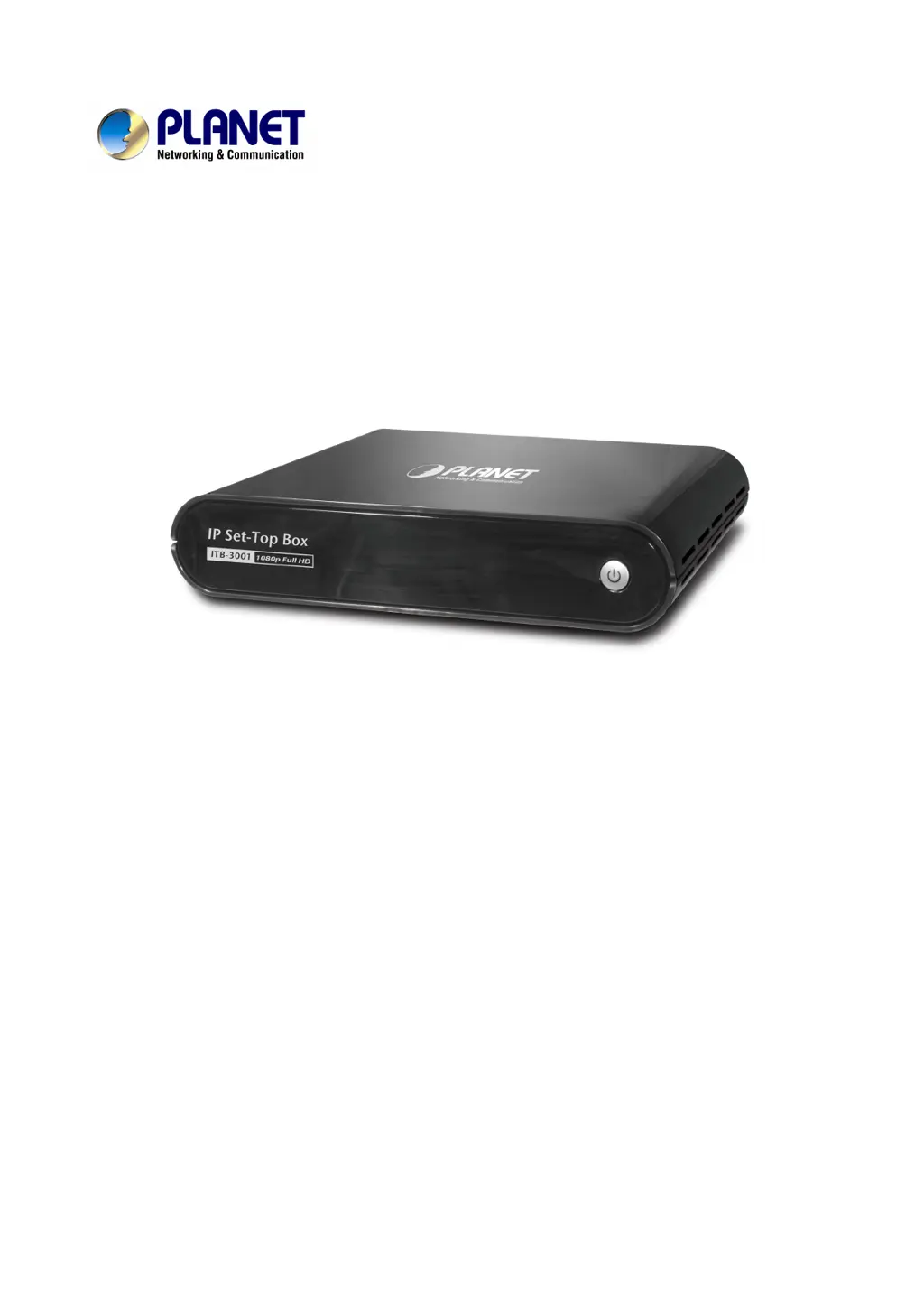
High Definition IP Set-Top Box
ITB-3001
User’s manual
Version 1.0.1

Questions and Answers

  • A
    Anthony HopkinsAug 10, 2025
    How to fix no picture on Planet Set-top boxes?
    • M
      millersteveAug 10, 2025
      If your Planet Set-top box isn't displaying a picture, first, make sure the power cord is properly connected, and try another outlet. Second, check that the VIDEO/AUDIO or HDMI cables are securely connected. Finally, use the “SOURCE” button on your TV remote to select the correct input source.
  • Z
    Zachary CarrollAug 17, 2025
    Why can't I download BT multimedia files on Planet ITB-3001?
    • M
      Matthew LeeAug 17, 2025
      If you can't download BT multimedia files on your Planet Set-top box, you may need to set up port forwarding on the TCP range 6881-6890 of your Access Point or IP sharing. Also, your Internet bandwidth limits BT download speed, as BT requires more people or torrents to share the files simultaneously.
  • B
    Brooke WeberAug 26, 2025
    What to do if Planet ITB-3001 don't search USB device?
    • M
      Mary HinesAug 26, 2025
      If your Planet Set-top box isn't searching for your USB device, first ensure the USB device is firmly connected. Also, check that your USB drive is formatted in NTFS/EXT-3 format.
  • S
    Sarah BarkerSep 1, 2025
    What to do if the PC list is not displayed on Planet ITB-3001?
    • J
      Jared StevensSep 2, 2025
      If the available PC list is not displayed when entering the “PC Media” menu on your Planet ITB-3001 Set-top box, verify your wired connection is working properly by using an Ethernet LAN cable to connect from the Network jack of the ITB-3001 to the network router or Access Point. Also, check your Network Setting in the Setup menu and the settings on the shared folder/file on your computer.

Summary

Federal Communication Commission Interference Statement

Safety Precautions

CHAPTER 2 INSTALLATION

CHAPTER 3 CONFIGURATION

3.1 Wired Network Setup

Details wired network connection configuration via DHCP or Static IP.

3.2 File Sharing Configuration

Explains how to enable and configure file sharing from a PC.

CHAPTER 4 MEDIA PLAYBACK

4.1 USB Media Playback

Guides on playing media files from USB storage devices.

4.2 PC Media Playback

Explains playing media files from a networked PC.

4.3 UPnP Media Access

Details connecting to UPnP devices for media streaming.

4.6 Video Playback

Instructions for playing video files and navigating playback controls.

CHAPTER 5 BONUS FEATURES

5.1 BitTorrent Download

Explains using the integrated BitTorrent client for file downloads.

APPENDIX A: Troubleshooting

APPENDIX B: Product Specifications

Planet ITB-3001 Specifications

General IconGeneral
BrandPlanet
ModelITB-3001
CategorySet-top boxes
LanguageEnglish