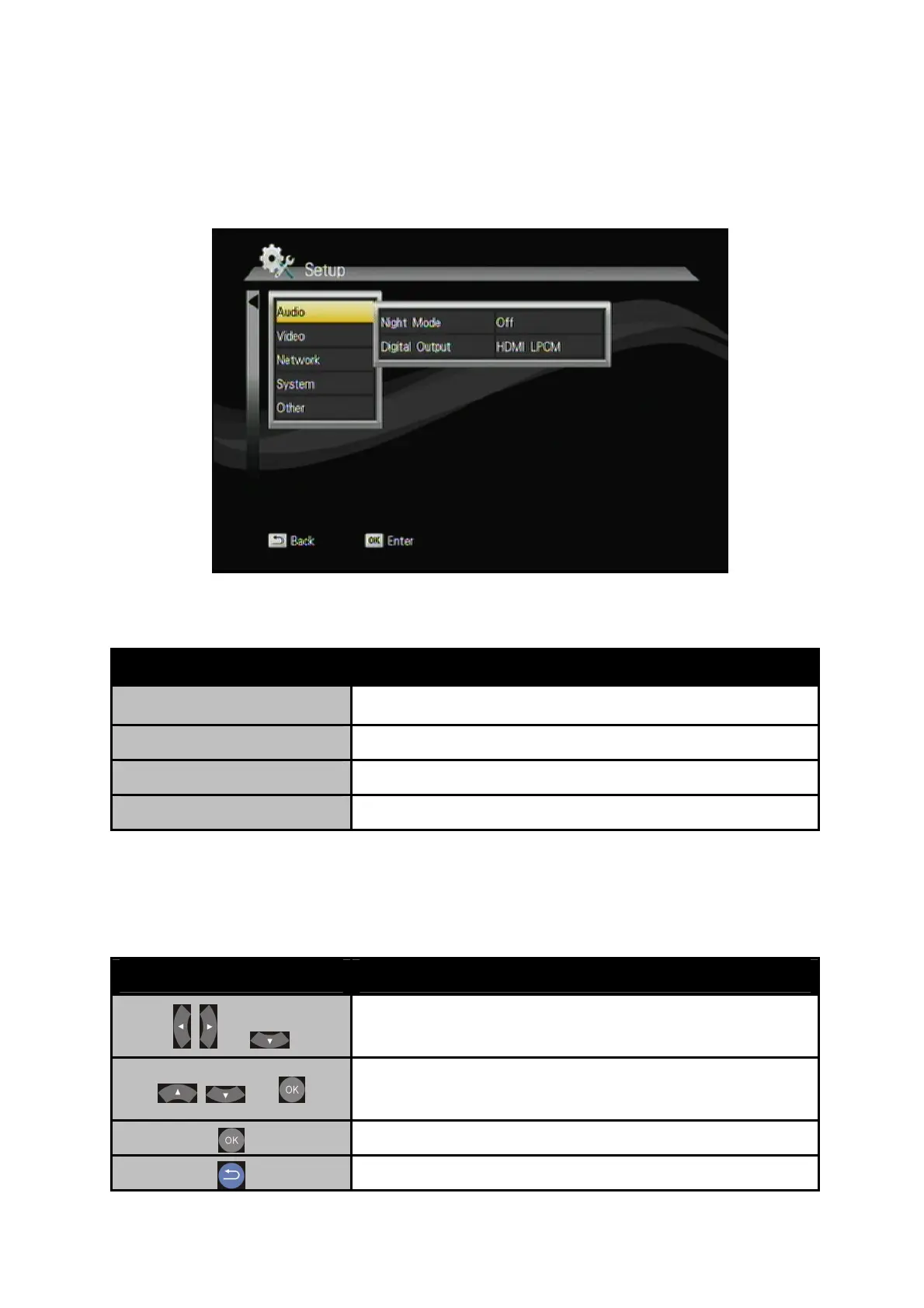
CHAPTER 6 SETUP MENU
Button Description
Cancel Back to main OSD display.
Rename Rename the selected file.
Delete Delete the selected file.
Add to Playlist Add selected file to Playlist.
6.1 Audio
Button
Description
+
Enter “Audio” setup menu. Select the item for
adjustment.
+
Select the item for adjustment.
Confirm the change.
Return to previous display.
40



 To Next Page