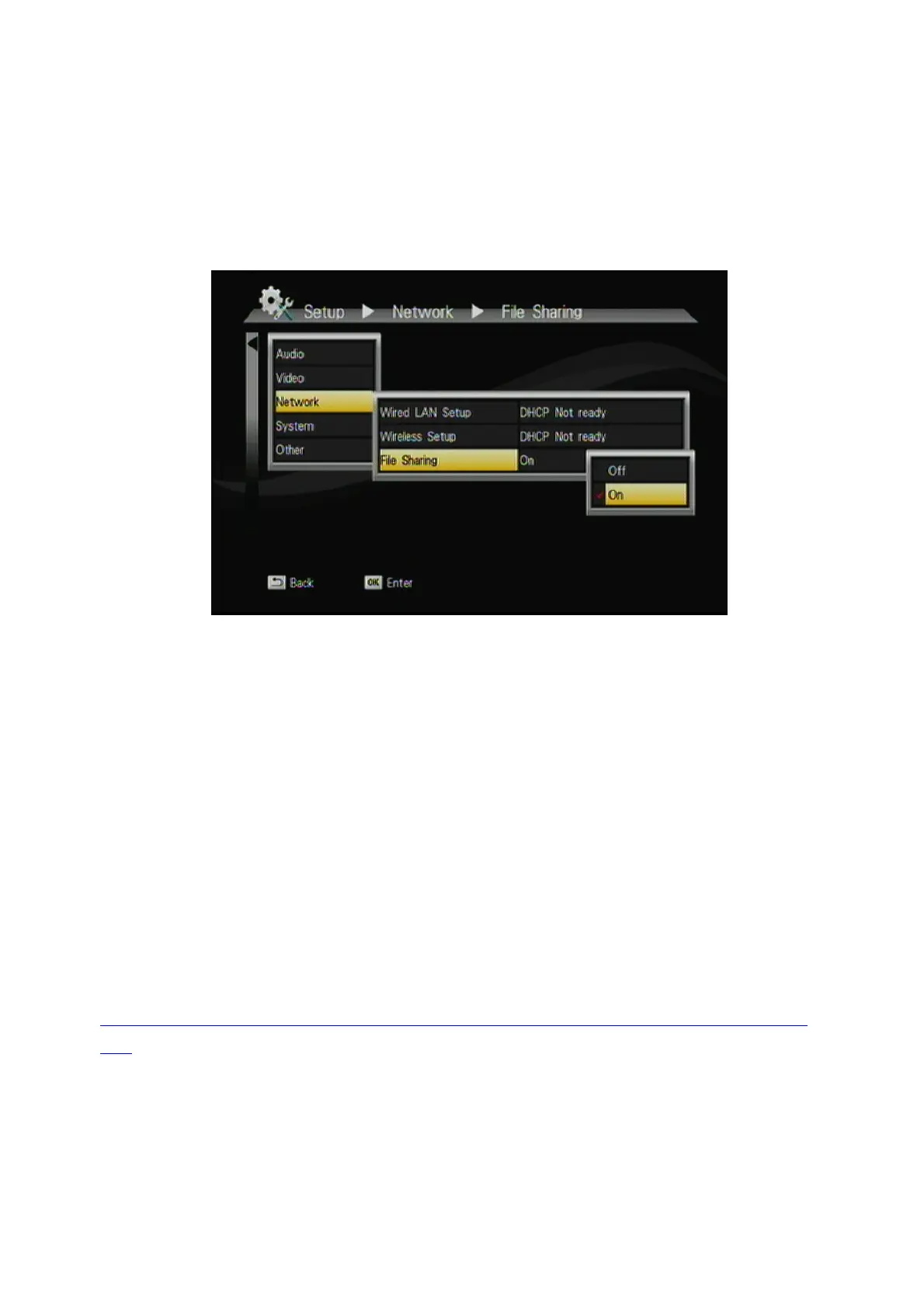
3.2 File Sharing Configuration
This function allow the ITB-3001 as a simple NAS device, you can access
folders located on the ITB-3001 for viewing, renaming, moving and deleting
by networking from your remote computer.
To activate this feature, please make sure:
z
The ITB-3001 is connected to the network;
z
The network is properly set up. For more information on this part, please
refer to “Step 2” in “Setting up ITB-3001” section, and “Network” under
“Setup Menu”.
To allow the ITB-3001 to access folders on your computer, you need:
1) ITB-3001 already connected to the network
2) To designate the folders/files on your PC as shared resources.
Please refer to Microsoft’s official website:
http://www.microsoft.com/windowsxp/using/networking/setup/homenet.m
spx to see the initial and detailed process of Home Network Setup in Windows
XP. Please refer to the following instructions to allow the ITB-3001 to access
the shared folders on the remote PC.
22



 To Next Page