6.2 Video
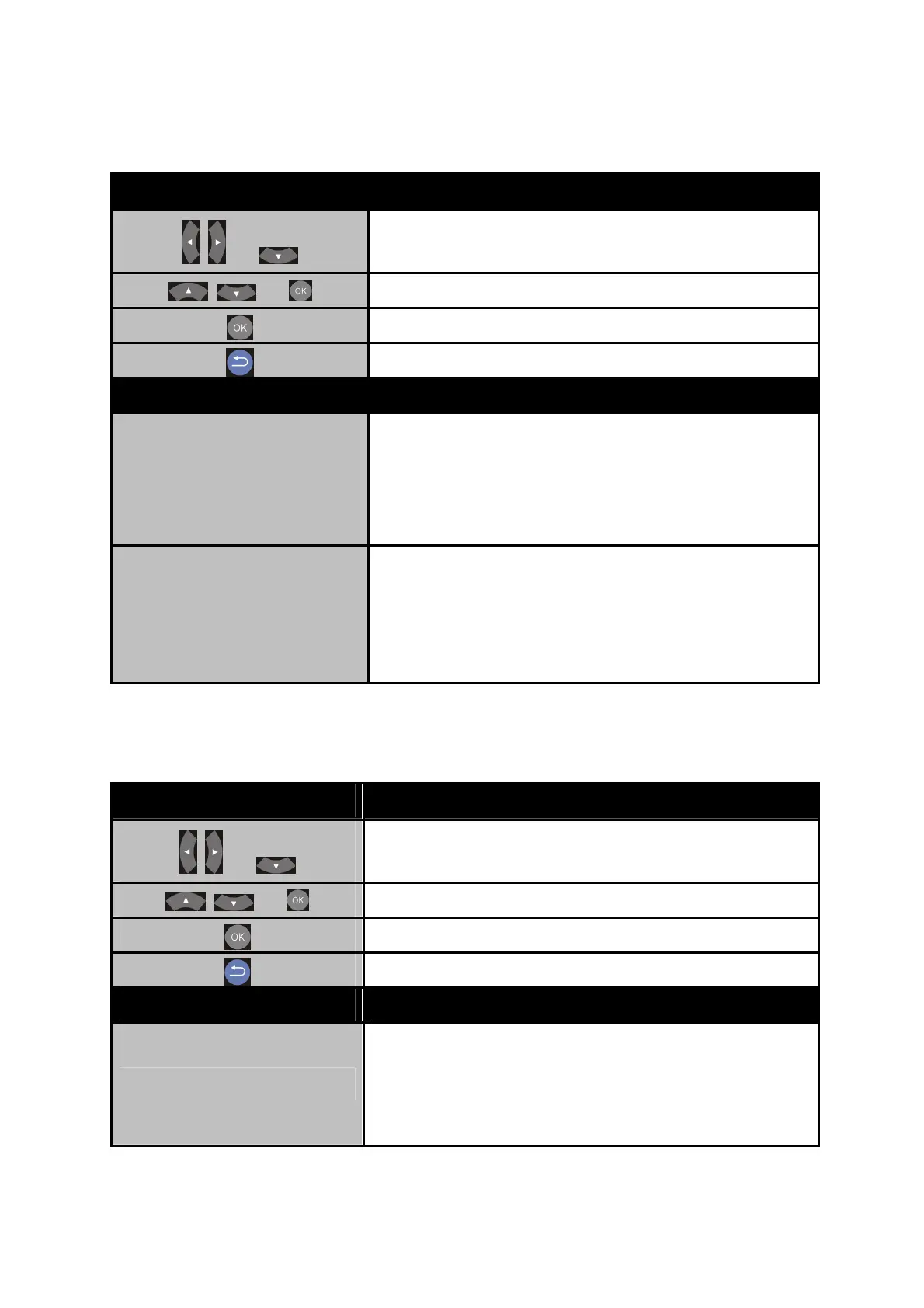
Button
Description
+
Enter “Audio” setup menu.
+
Select the item for adjustment.
Confirm the change.
Return to previous display.
Item Options
Aspect Ratio
Pan Scan 4:3
Letter Box 4:3
Wide Screen 16:9
Full Screen
Resolution
HDMI Auto / 480i / 576i / 480P / 576P
720P 50HZ /720P 60HZ
1080i 50HZ / 1080i 60HZ
1080P 50HZ / 1080P 60HZ
6.3 System
Button Description
+
Enter “Audio” setup menu.
+
Select the item for adjustment.
Confirm the change.
Return to previous display.
Item Options
Menu Language
English/ Traditional Chinese/ Japanese/
Spanish/ French / German/ Italian/ Russian/
Simplified Chinese / Swedish / Polish/
Romanian/ Greek/ Thai
42



 To Next Page