21
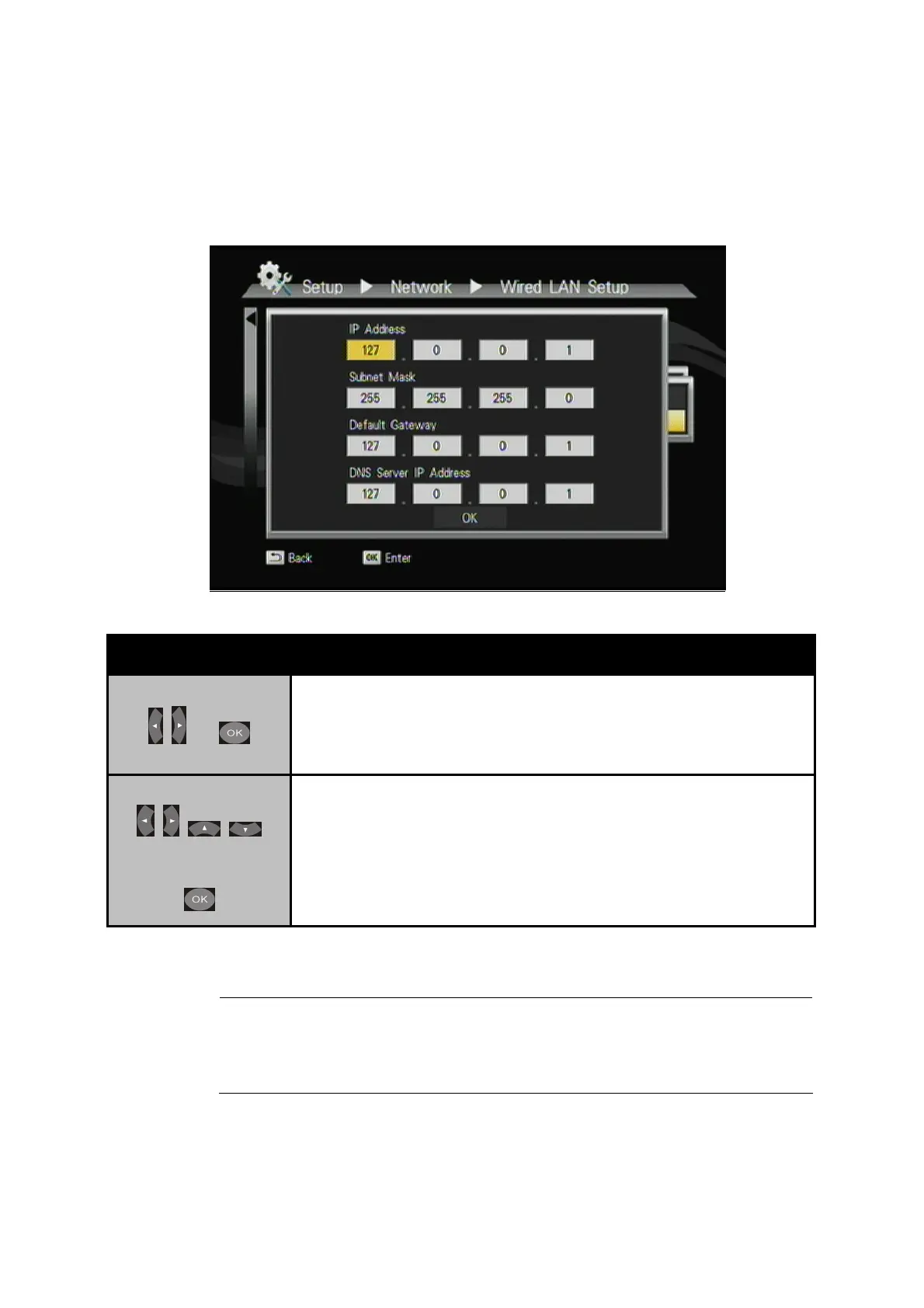
3.1.2 Static IP
Button Description
+
Step1:
Select “Wired” on the Network menu.
Select “Static IP”.
+
Step 2:
Input the value IP Address, Subnet mask,
Gateway, and DNS text box respectively.
"Note
Please acquire information of these setting values from your
ISP (Internet Service Provider) first.



 To Next Page