CHAPTER 4 PLAY MEDIA
4.1 USB Media
ITB-3001 searches and plays all available images, music and video files on
the external device with USB interface automatically.
"Note
Depends on the specification of USB that each USB port provide
0.5A to USB device, please use with extra power-provided USB
device if the USB device needs more electricity.
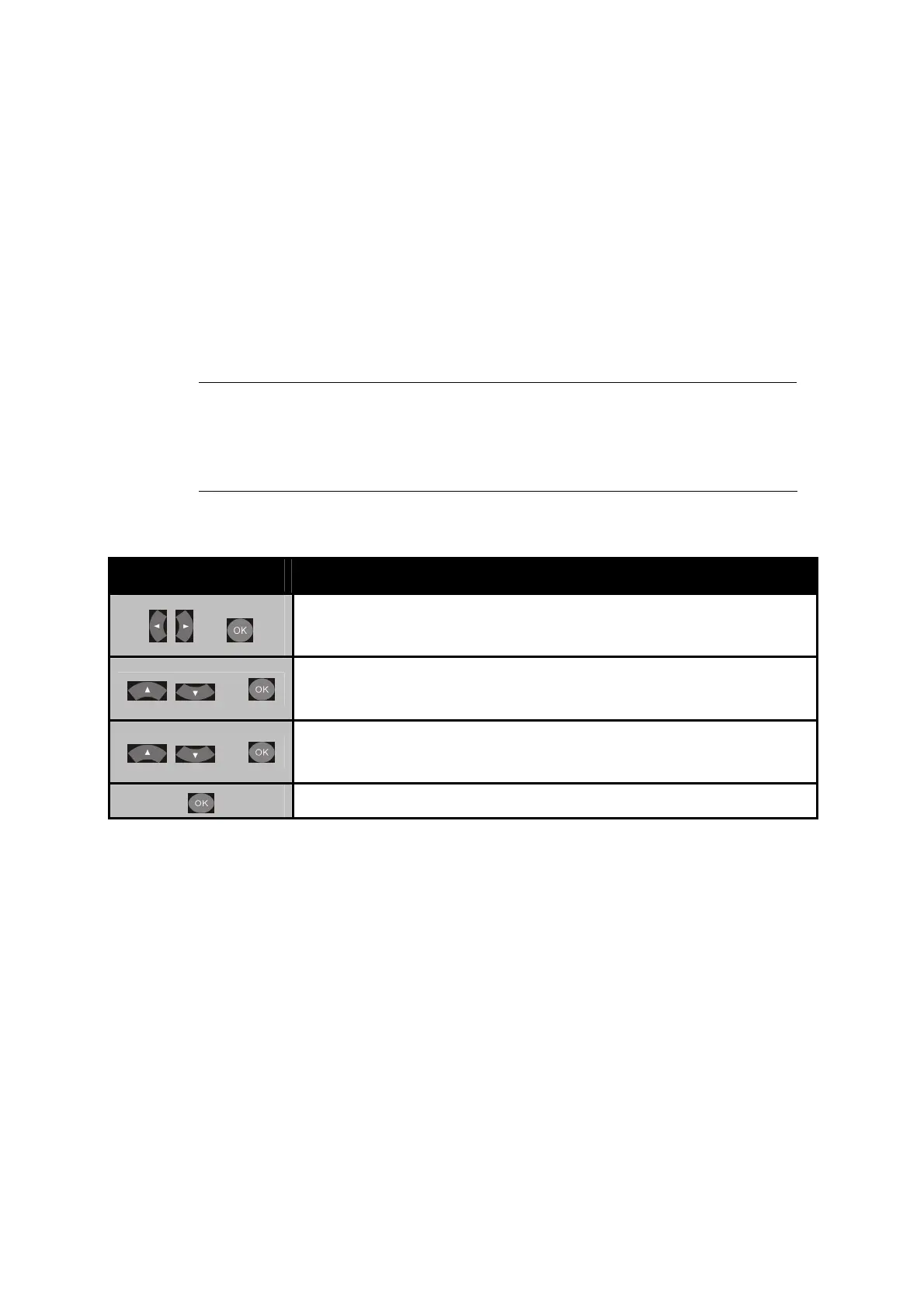
Button
Description
+
Enter OSD Menu > Play Media
+
Under Play Media, select the media source from USB
Device/ PCs/ UPnP/ Playlist.
+
Open your selected folders. There will a folder/file
list on the left.
Play the selected video/music/photo file.
27



 To Next Page