31
+
Add to
Playlist Add selected file to Playlist
Back Return to previous display.
Full screen mode.
4.6.1 Full Screen Mode
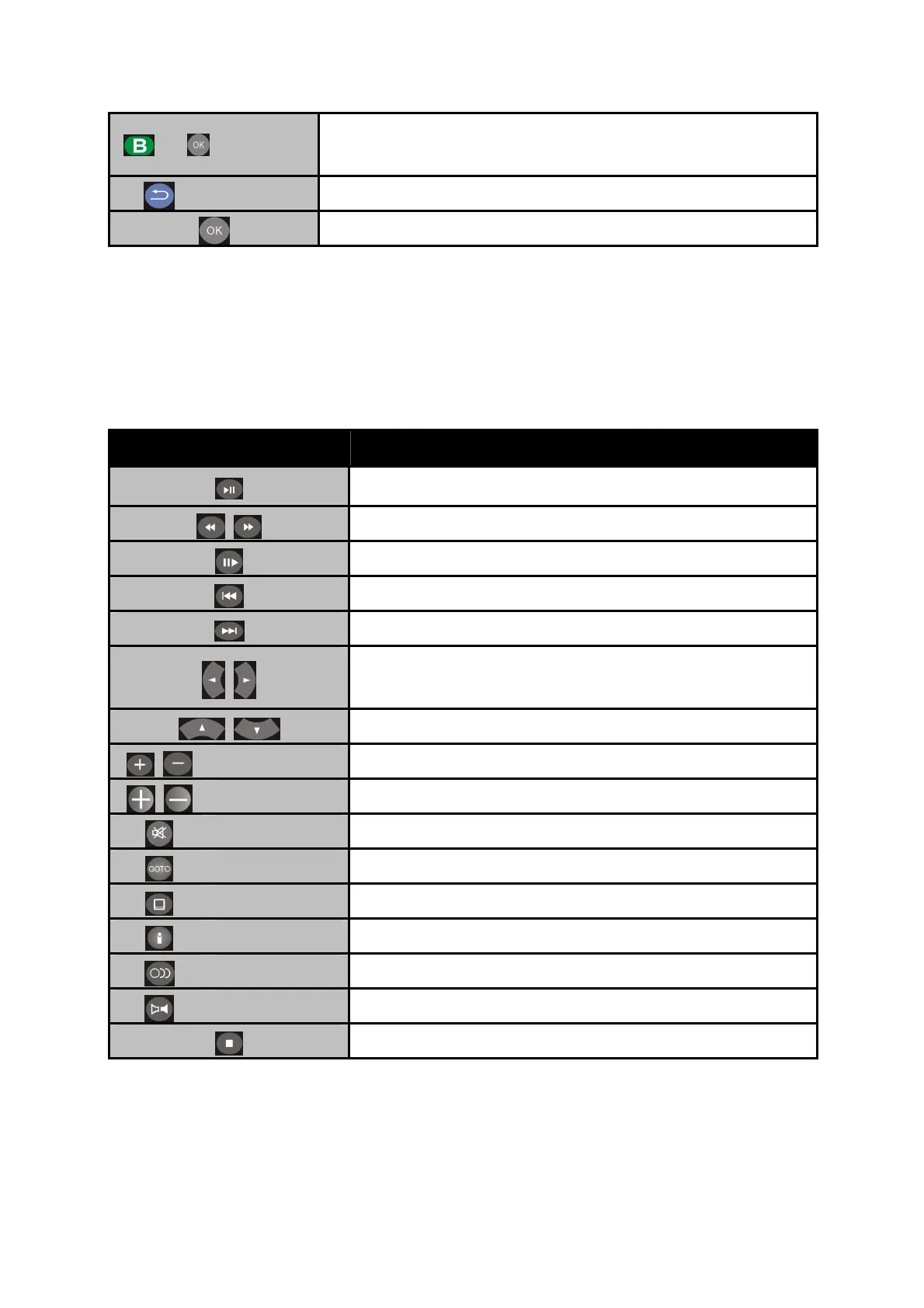
Button Description
Play/pause selected file.
Rewind/Forward
Slow motion.
Return to previous file.
Go to next file.
To adjust the size of the subtitle.
To move the position of the subtitle
Zoom Zoom in/out on photos or movies.
Volume Increase/decrease the volume.
Mute Mute the sound.
GOTO Video/movie chapter selection.
Subtitles Switch subtitle files.
Info Display the info of media files in play mode.
Audio Switch audio outputs.
L/R Enable/disable Left/Right speaker.
Stop playback and leave full screen mode.



 To Next Page