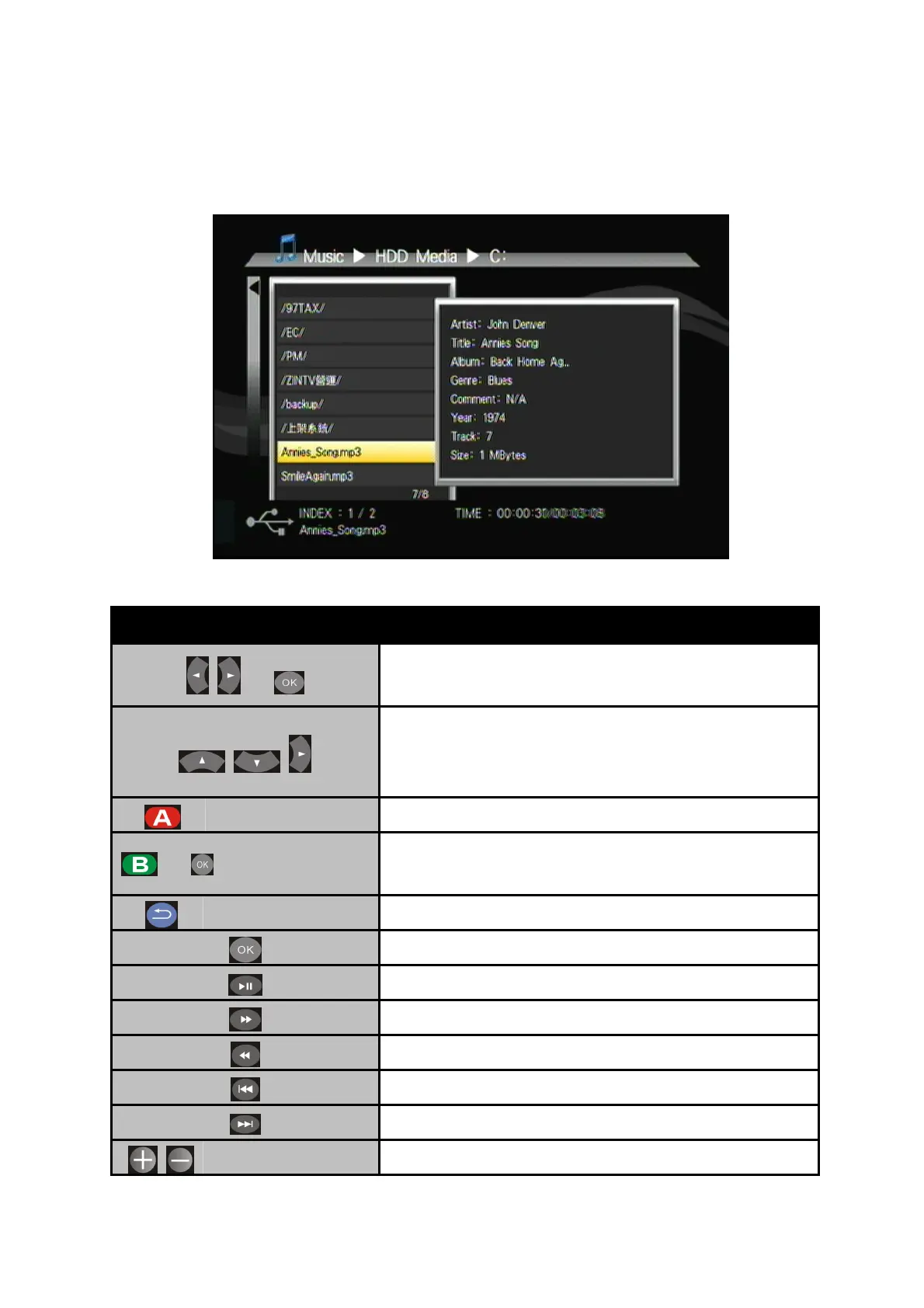
4.7 Music Playback
Button Description
+
To access Music on the main menu.
Navigate the media file you want to play. The
preview window will show the file details of
highlighted file.
Edit Rename /Delete file.
+
Add to
Playlist Add selected file to Playlist.
Back Return to previous display.
Play selected file.
Play/pause selected file.
Fast forward.
Rewind.
Previous file.
Next file.
Volume Increase/decrease the volume.
32



 To Next Page