Step 3: Select .torrent files to download, and then you can see the download
process page. To ensure the system’s efficiency, only 3 download tasks will
take place simultaneously, and each .torrent file will be downloaded in
sequence.
Button Description
Start / Pause torrent files in scheduling.
Delete torrent files in scheduling.
Adjust the priority of torrent files in scheduling.
Previous page. / Next page.
"Note
In order to keep the system efficiency, the torrent download
would be suspended while playing media or turning on other
services
5.2 Flicker
The ITB-3001 supports Flicker viewing; you also can search photos you
want to see on this function.
5.3 VLC Station
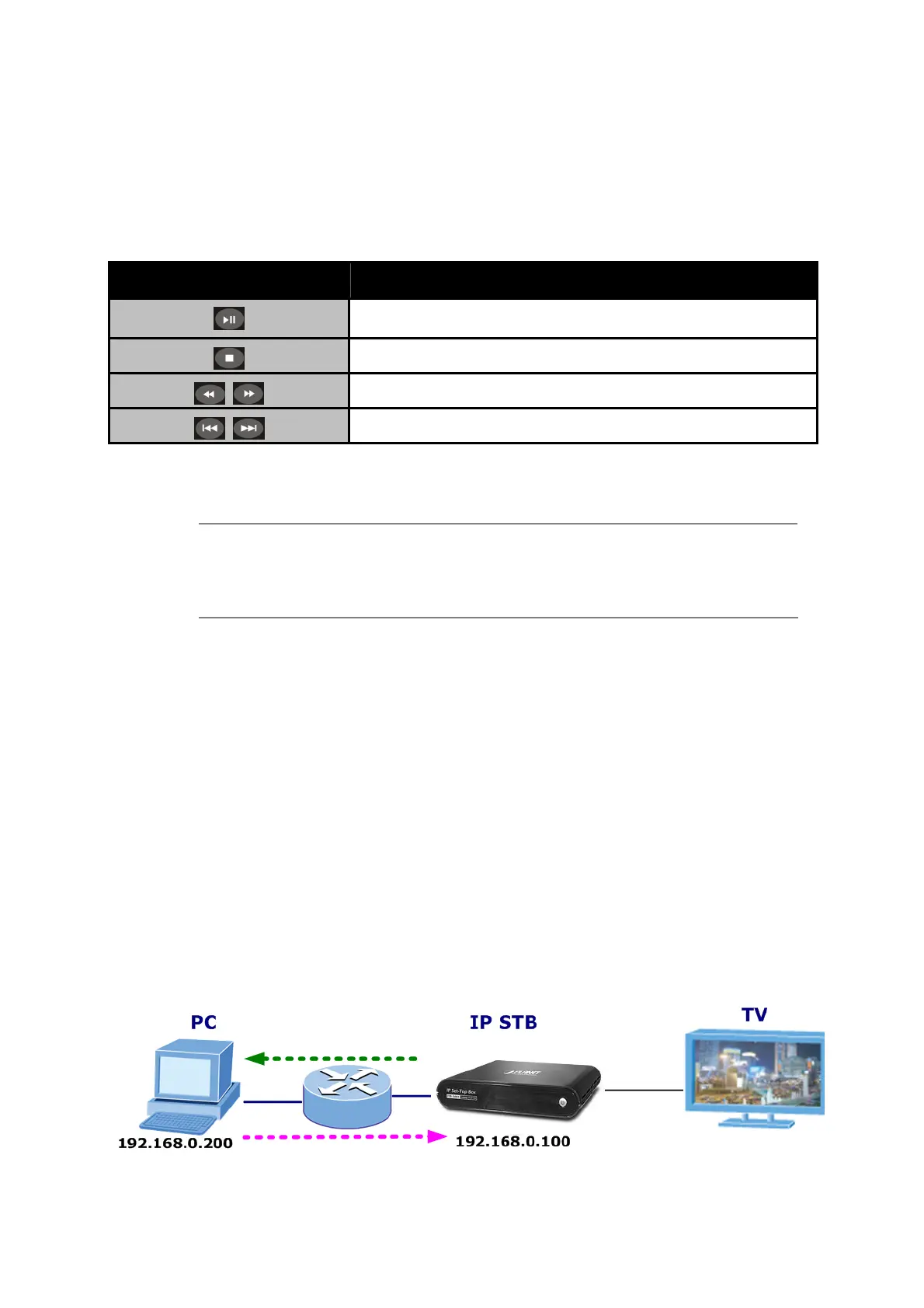
This chapter shows you how to setup a computer to work with the STB in a
demonstration scenario. This demonstration used example files contained
on the CD that came with your STB
37



 To Next Page