z
The network is properly set up. For more information on this part, please
refer to “Step 2” in “Setting up ITB-3001” section, and “Network” under
“Setup Menu”.
"Note
In order to keep the system efficiency, the torrent
download would be suspended while playing media or
turning on other services.
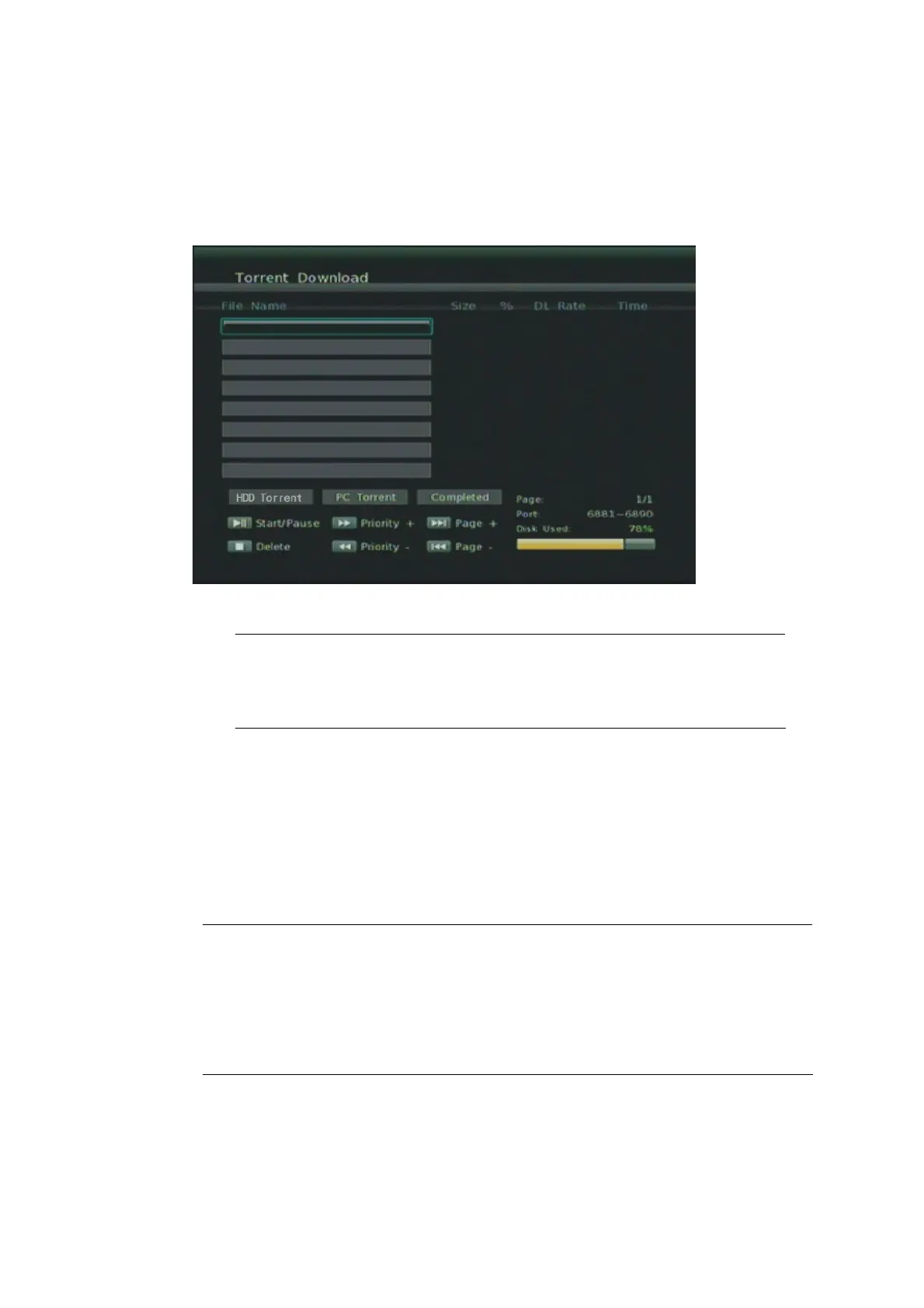
Step 1: Connect external hard drive device into THE PRODUCT USB port.
Step 2: Choose either from the external hard drive or the remote PC that you
can search and implant the .torrent seeds.
"Note
Please make sure torrent seeds are already imported to the
external hard drive or on the network PC before downloading
media files associated with the .torrent seeds to your PC or USB
devices. Files cannot be downloaded if there is less than 10% of
the capacity left on the USB drive.
36



 To Next Page