CHAPTER 3 CONFIGURAITON
3.1 Wired Network Setup
Network Connections: needed only when using “PC Media”, and “Torrent
Download” features.
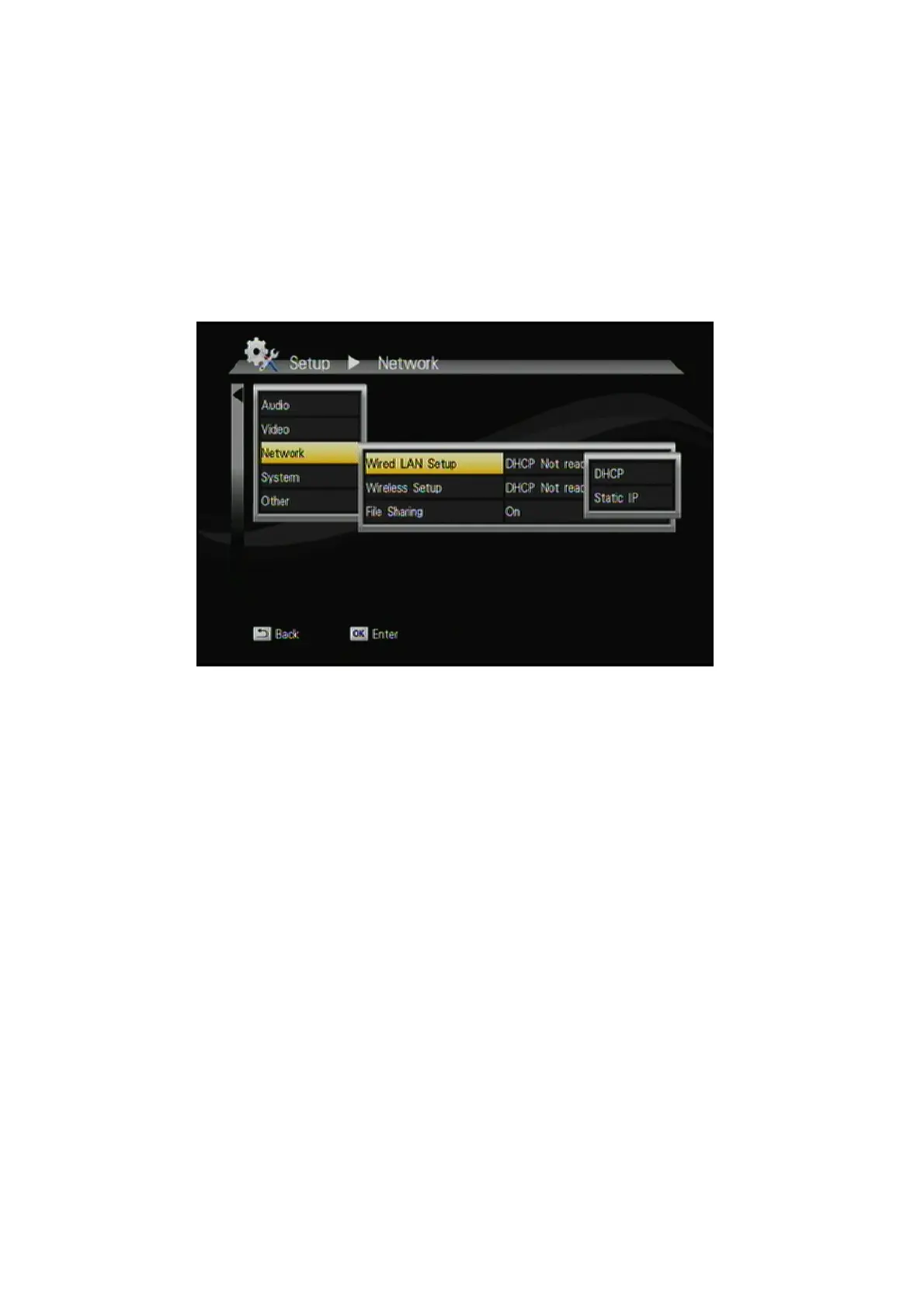
If your wired network equipment such as the IP Sharing router or AP (Access
Point), uses DHCP to assign IP address, by default the ITB-3001 will
automatically request the IP and other related information to set up the
ITB-3001 over the network in DHCP mode (under Setup> Network
>Wired).
If your network does not have DHCP server, switch to the Static IP mode
(under Setup> Network >Wired) and set up various parameters manually.
19



 To Next Page