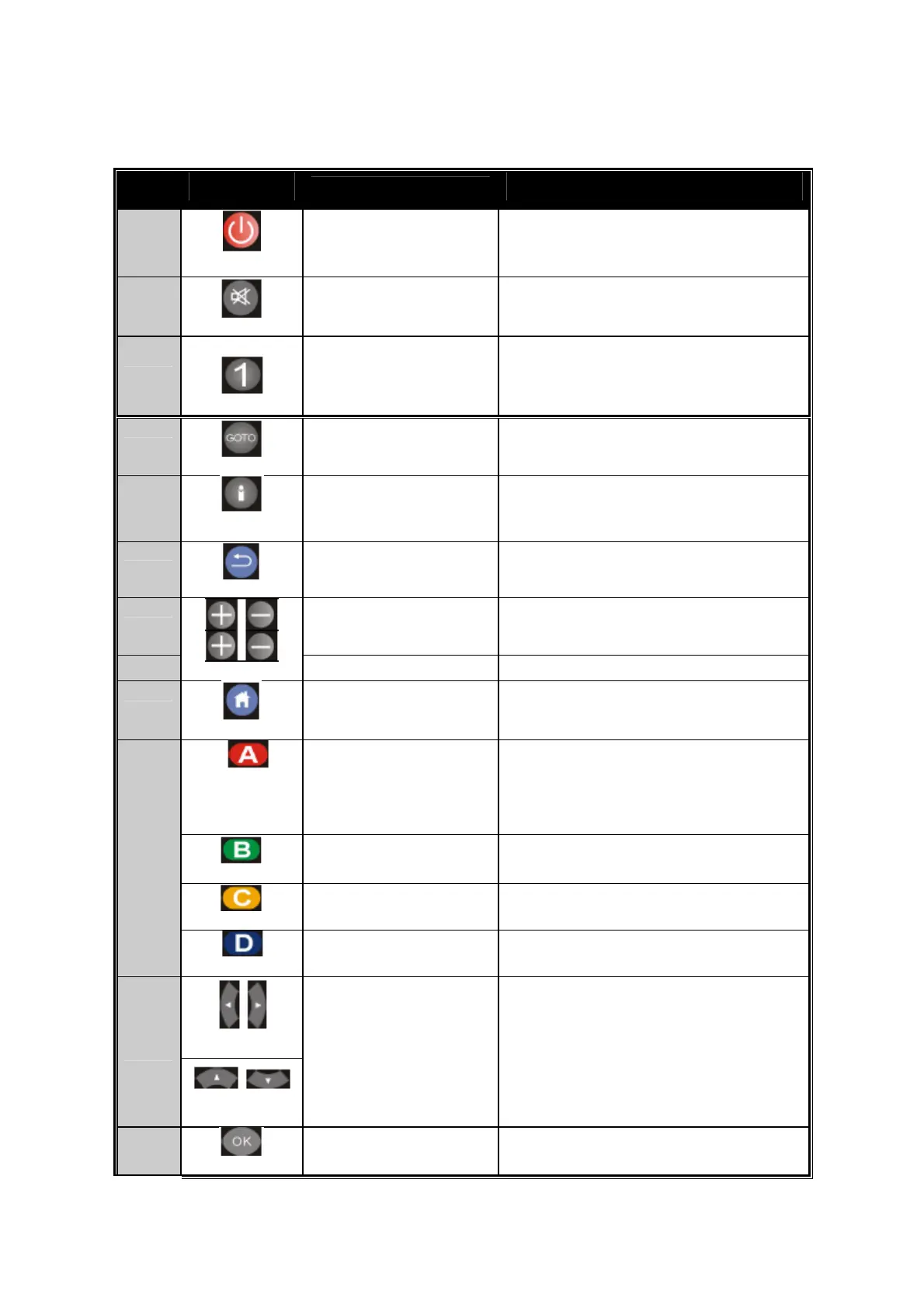
Keypad Definition
No.
Connector
Description
A
POWER Turn on/ off system
B
MUTE Mute/ Resume audio
C
NUMERS
0-9 number keys for selecting
desired options.
D
GOTO Video/movie chapter selection.
E
INFO
Display the information of
media files while in play mode.
F
BACK Return to the previous display.
G VOL
Volume up (0-28), default is
16; Volume down (0-28),
default is 16.
H
CANNEL Channel up/Channel down.
I
HOME Hot key to the main OSD menu.
REPEAT A-B
Press once to mark desired
repeat point A, press again to
mark desired repeat point B,
and press yet a
ain to turn this
feature off.
REPEAT
Enable/disable repeat of file
playback.
ANGLE Switch DVD display angles.
J
DVD MENU Show DVD Menu.
K
Buttons
enu screen
or media libraries.
Navigate Navigate through m
L
OK Confirm or select.
10



 To Next Page