34
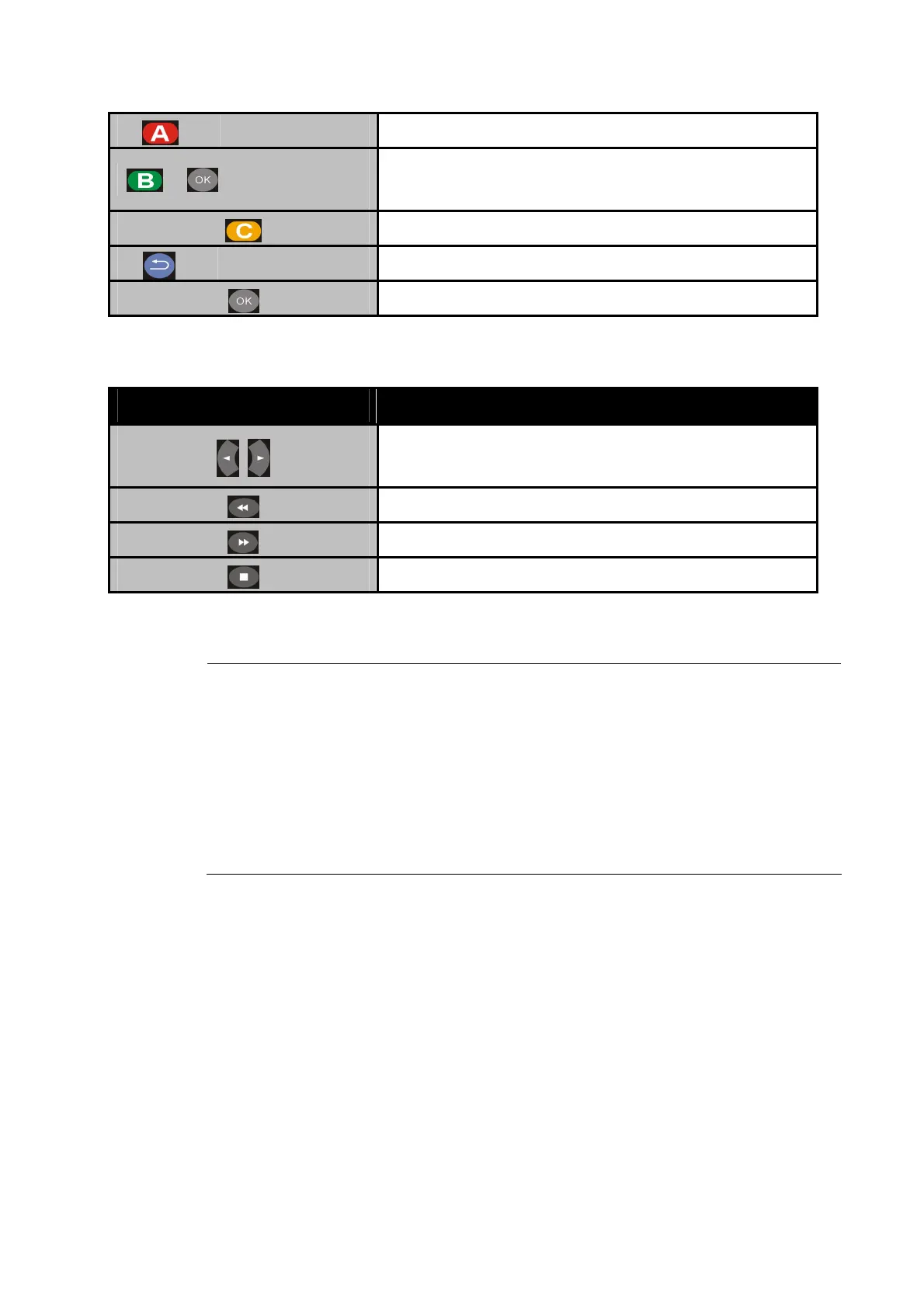
Edit Rename /Delete file.
+
Add to
Playlist Add selected file to Playlist.
Thumbnail mode.
Back Back to previous display.
Full screen mode.
Full Screen Mode
Button Description
Previous picture. / Next picture.
Rotate the viewing picture counterclockwise
Rotate the viewing picture clockwise.
Leave full screen mode.
"Note
You can choose the preferred slide show effects in Setup menu. If
you’d like to turn off the function, please enter Setup > Other>
Transition Effect.
To add background music to the slide show, simply add the music
file(s) to the same photo folder. Otherwise, there will be no
background music when viewing the slideshow.



 To Next Page