12
4. Installations
4.1 Wall-mount Installation
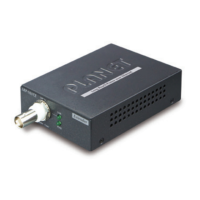
Step 1: Find a suitable wall to mount the LRE-101.
Step 2: Screw two screws on the wall.
Step 3: Hang the LRE-101 on the screws from the wall.
Step 4: Repeat Step 5 of Desktop Installation for power supply to the
LRE-101.
10GBASE-T to 10GBASE-X
5V DC
Before mounting the device to the wall, please check the loca-
tion of the electrical outlet and the length of the Ethernet cable.



 To Next Page