Chapter 5 General Setup
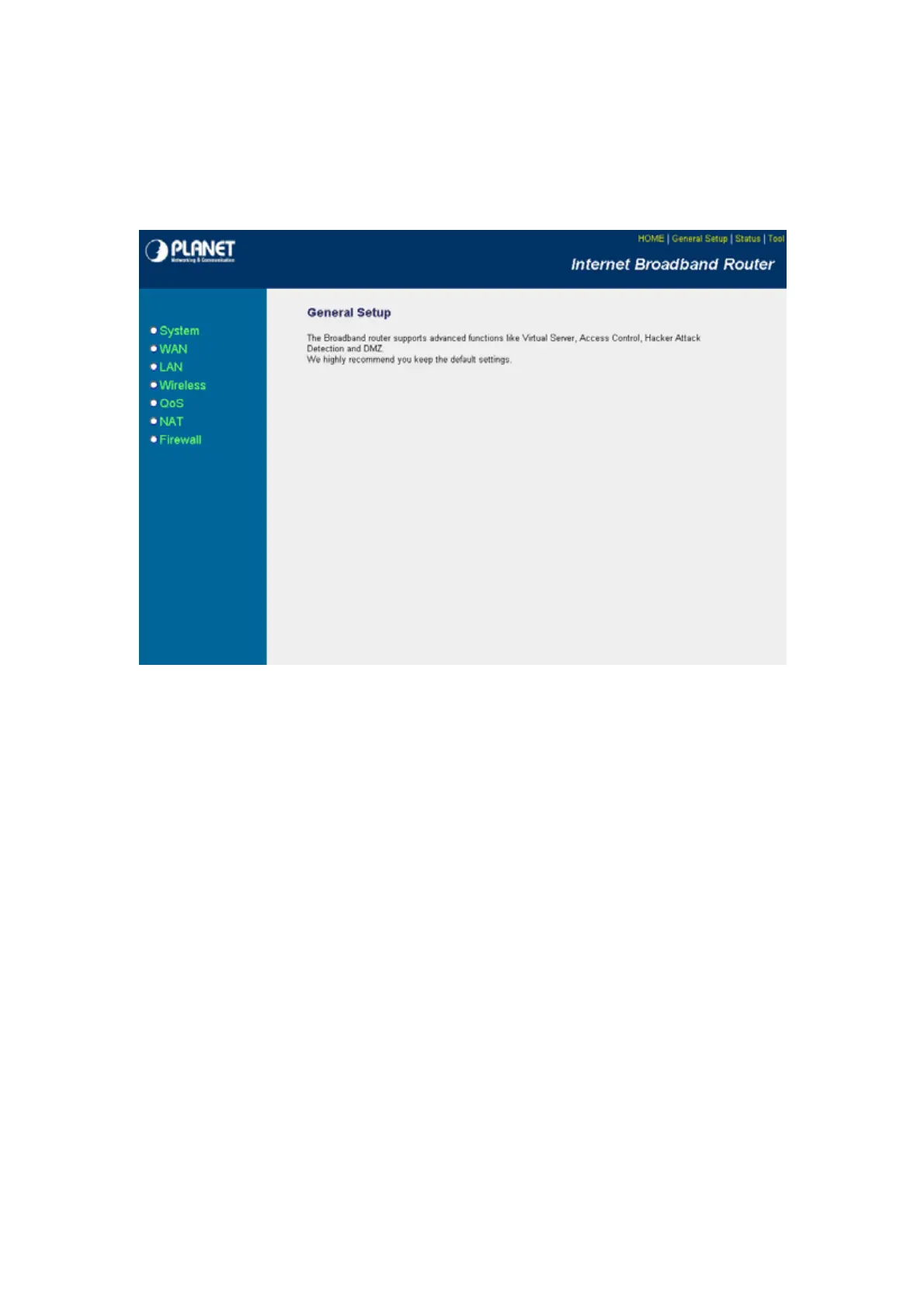
After click on the “General Setup” button at the main Page, you should see the screen below.
The General Setup contain advanced features that allow you to configure the router to meet the
network’s needs such as: Wireless, Port Forwarding, Virtual Server, Access Control, URL Blocking,
Special Applications, DMZ and other functions.
5.1 System
This section shows how to setup the Broadband router’s system Time Zone, Password and Remote
Management Administrator.
- 18 -



 To Next Page