settings or “Apply” to restart WRT-414 with new configuration.
5.4 Wireless
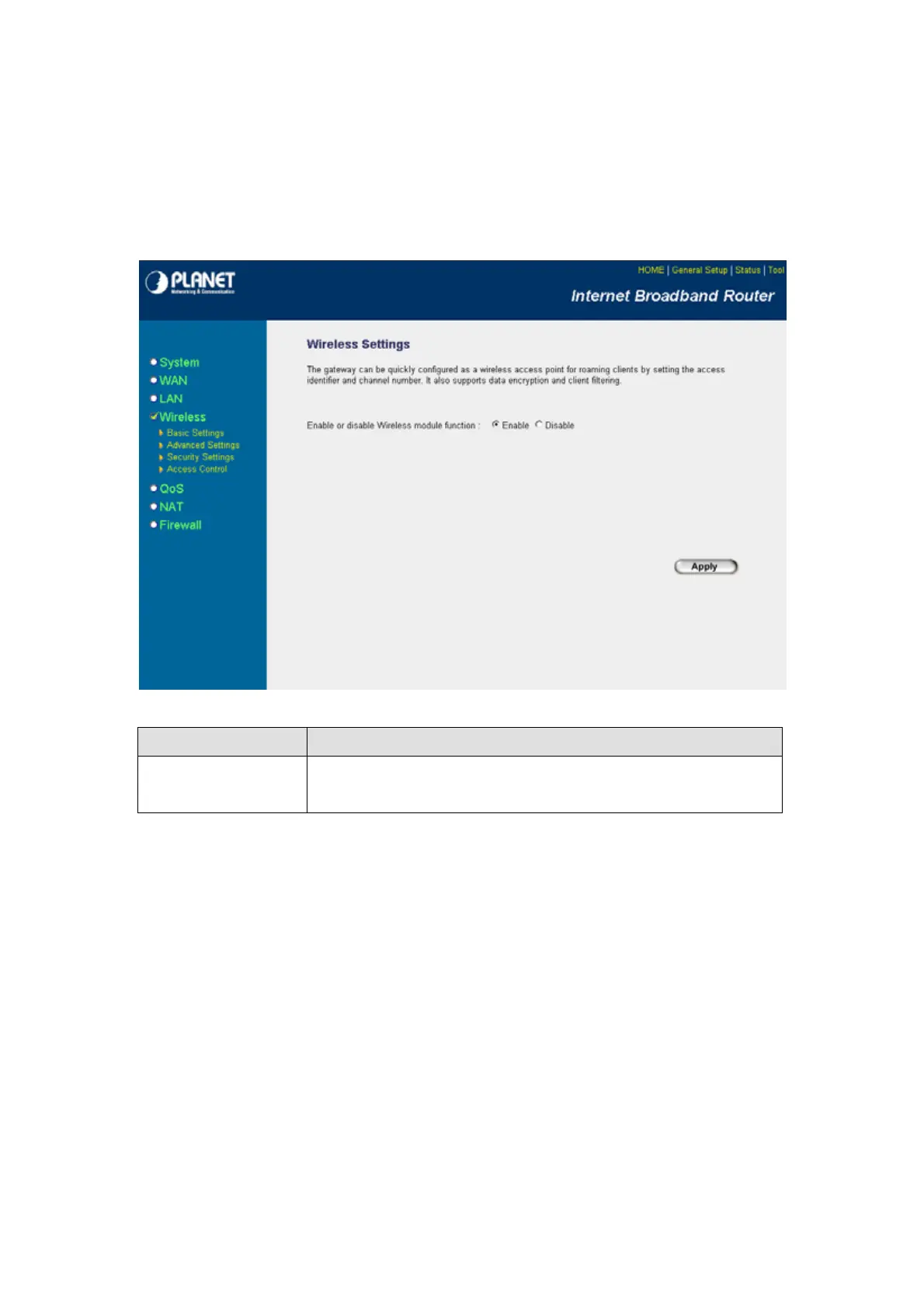
This screen allows you to Enable/Disable WRT-414 wireless function.
Parameters Description
Enable/Disable
You can select to “Enable” or “Disable” the Wireless interface. After
selected, please click “Apply” to make the settings effect.
After configuration complete, please click “Apply” button to save the configuration. Then you will see a
screen to prompt you the settings are save successfully. You may press “Continue” for configure other
settings or “Apply” to restart WRT-414 with new configuration.
- 33 -



 To Next Page