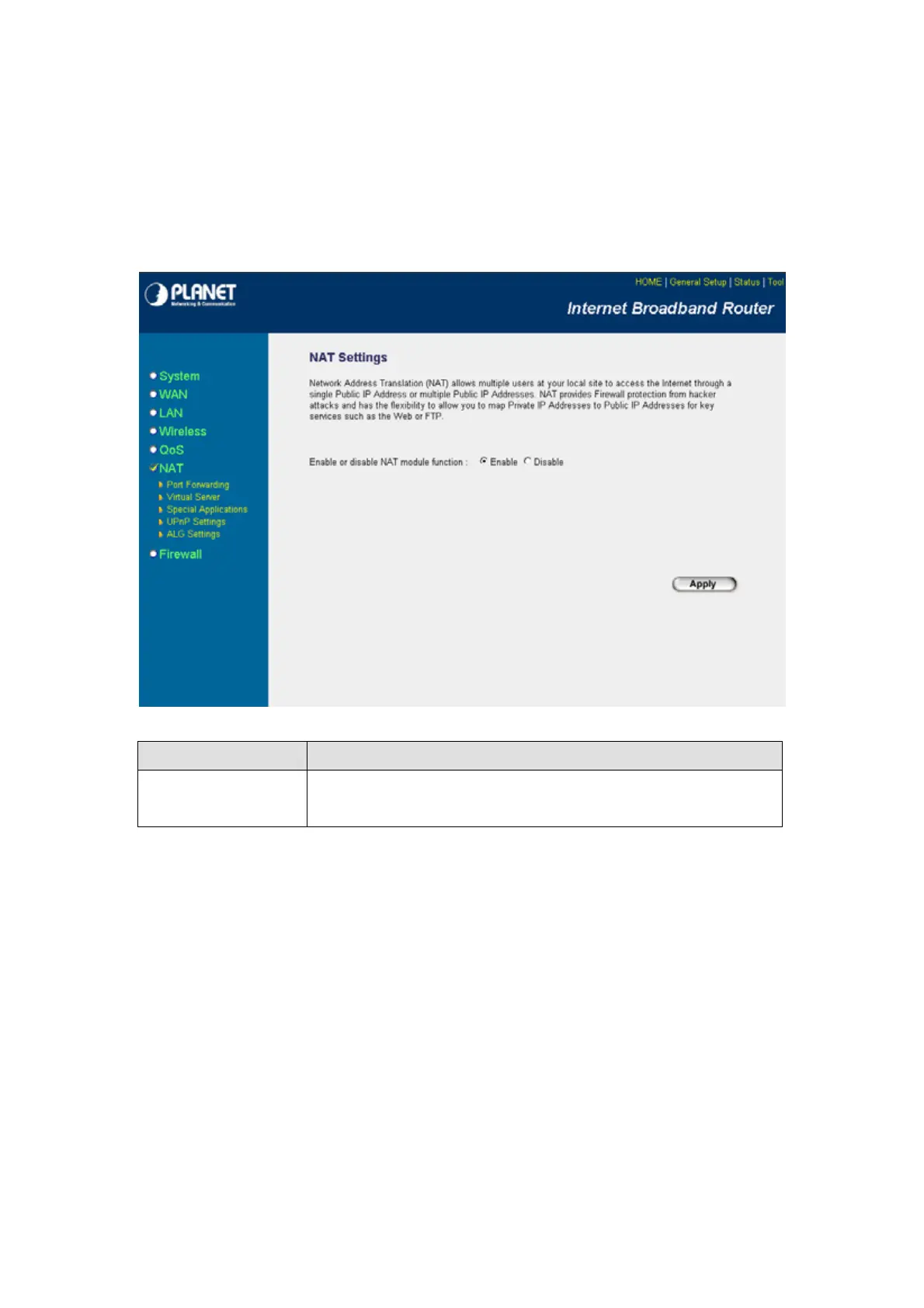
Network Address Translation (NAT) allows multiple users at your local site to access the Internet via a
single legal IP Address. NAT provides Firewall protection from hacker attacks and has the flexibility to
allow you to map Private IP Addresses to Public IP Addresses for key services such as Websites and
FTP. If NAT is disabled, all LAN side workstations must have legal IP addresses for Internet access. If
the router is used for routing application, not for Internet access, the NAT function can be disabled.
Parameters Description
Enable/Disable You can select to enable or disable the NAT function. After selected, please
click “Apply” to make the settings effect.
After configuration complete, please click “Apply” button to save the configuration. Then you will see a
screen to prompt you the settings are save successfully. You may press “Continue” for configure other
settings or “Apply” to restart WRT-414 with new configuration.
- 44 -



 To Next Page