Copyright Planika Sp. z o.o. www.planikafires.com 11
The device cannot be turned on neither via remote control nor the configured device nor according
to the manual, without previous unlocking it. To unlock the device hold START/STOP button for 5s –
the message will disappear.
2) Child lock
When the function is turned on it forces the user to hold START/STOP button on the control panel or
remote control for 3s in order to start the device. If START/STOP button is only pressed quickly, the
device will not start.
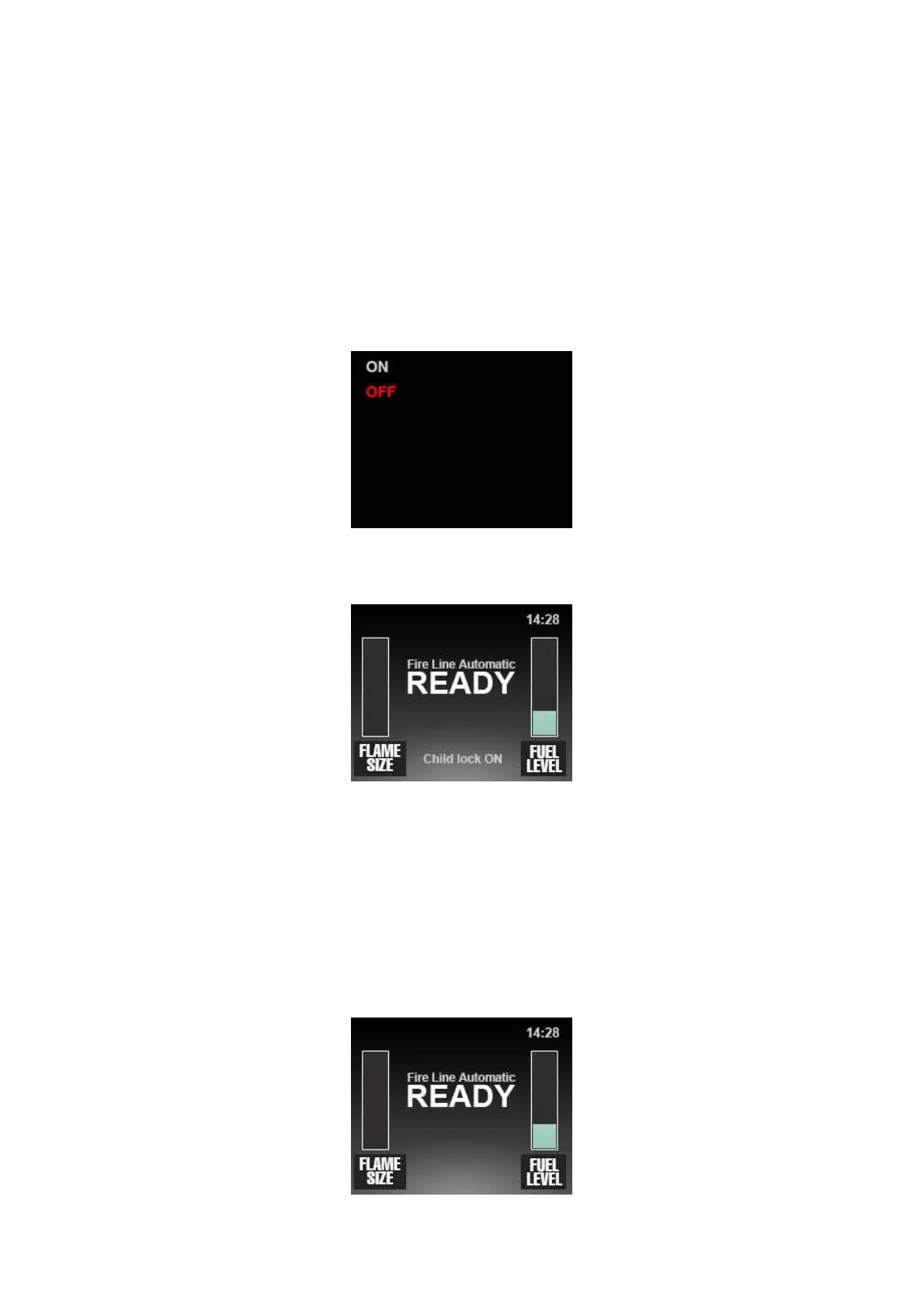
To turn this function on press ‘-‘ on the control panel. This screen will appear:
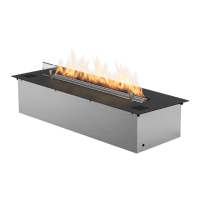
Using ‘-‘ button confirm ON option flashing in red. On the main display the information that ‘Child
lock’ function is turned on will be visible.
To turn this function off, choose OFF option in the menu of ‘Child lock’ function.
3) Set time
It allows to set date and hour.
Go to the menu’s functions by means of ‘-‘ button. The hour starts to blink. Using ‘+’ button set the
appropriate hour and confirm with ‘-‘ button. Do the same to set minutes and date, using ‘+’ for
choosing the appropriate numbers and ‘-‘ for confirming them. When setting finished, the device will
automatically come back to the main display with already visible hour.


 To Next Page