1
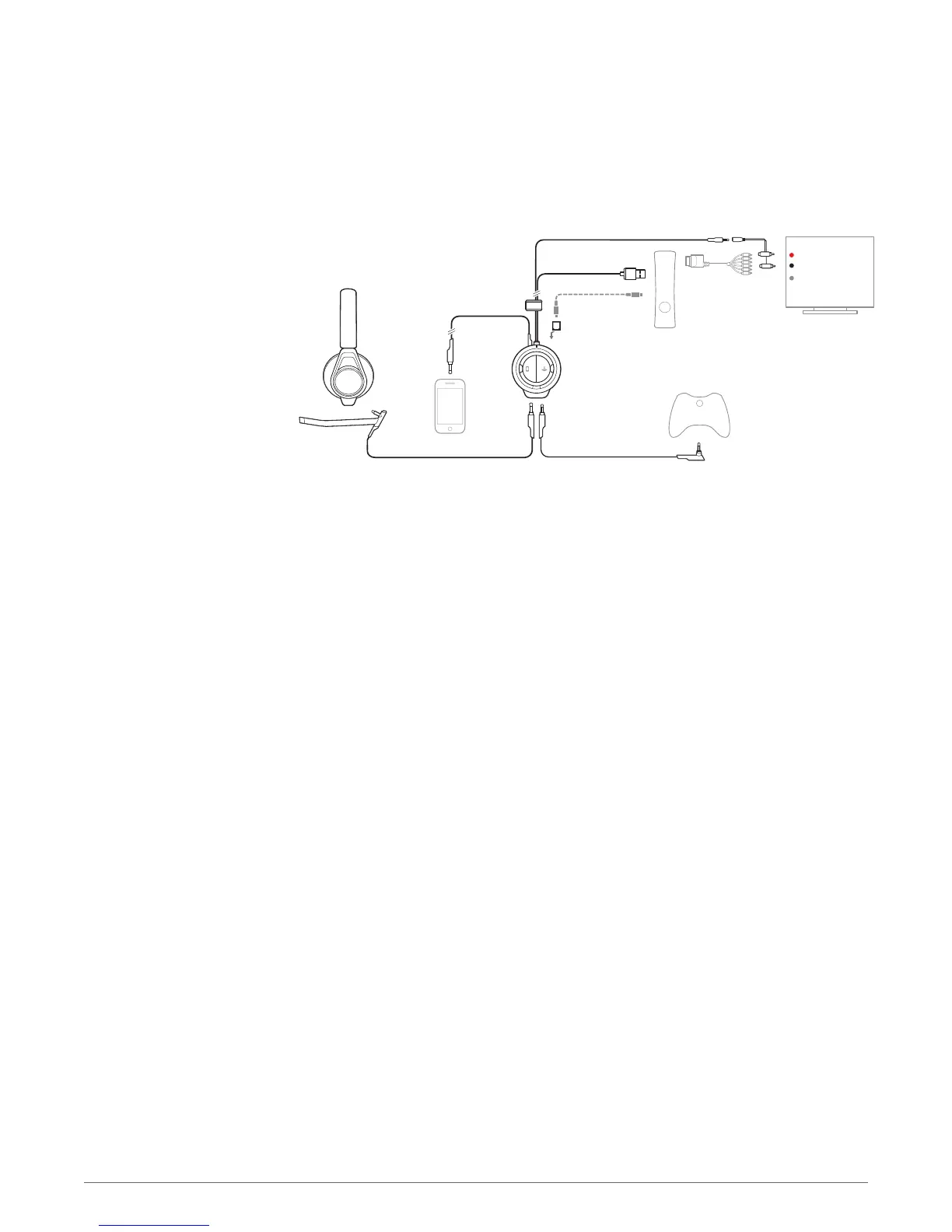
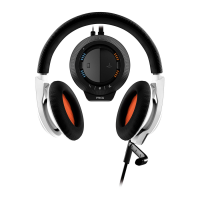
Make sure the boom microphone is attached properly to the headset. Insert the 3.5mm plug
into the headset jack on the front of the mixer located under the RIG logo tab, on the left side.
2
Connect the USB cable from the mixer into a USB port on the Xbox 360. For proper function:
make sure that the USB connector is plugged into the Xbox 360 itself and not an external USB
power source.
3
Attach the included 3.5mm-to-RCA Piggy back adapter to the end of the long 3.5 mm plug cable.
4
Attach the RCA Piggyback in-between the Xbox AV cable (included with most Xbox 360 models)
and the primary audio source (TV, receiver, etc).
5
Insert the included Xbox Live chat cable into the 2.5mm jack (smaller of the two) located to the
right of the headset jack on front of the mixer. Insert the other end to the Xbox game controller.
For best performance, use the connector with the 90 degree angled plug attached to the Xbox
360 controller and the straight plug connected to the mixer.
6
Find a good balance of game and voice audio by adjusting the Game/chat sound balancer on the
right side of the mixer (over the orange LEDs). Remember that the 3 o'clock position will enable
equal volume of both game and voice audio signal. Sliding the control upward makes game
sound louder and voice (game chat) quieter. Sliding the control downward increases voice (game
chat) while making game audio quieter.
Xbox 360 component
setup
11



 To Next Page