PRO TIP The mixer must be connected via USB to the platform that you are using it with for proper
operation. External USB power adapters will NOT function correctly. Do not shake or taunt the mixer.
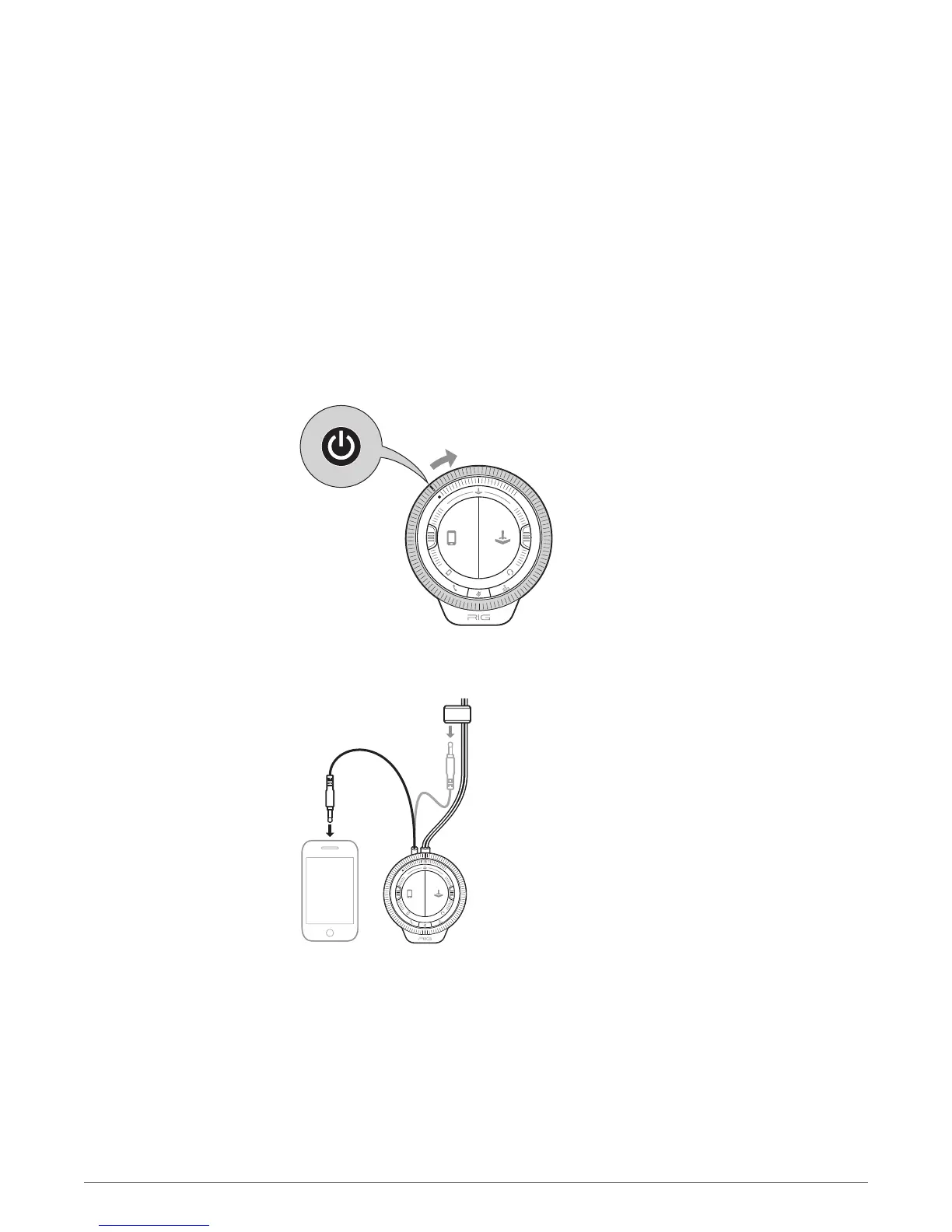
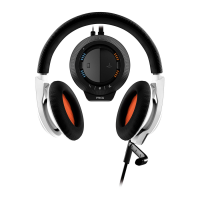
Rotate the outer Master volume dial to the right (clockwise) to turn on the mixer. By default,
both orange and blue lights will illuminate indicating proper enumeration, then settling on the
Game mode (orange) or Mobile mode (blue) that the Mic rocker switch is deployed to. Rotate the
Master volume dial left (counter-clockwise) until the white line meets the white dot on the mixer
to turn off the mixer. A slight detent indicates the off position and the mixer lights and audio
will power down.
Remove the short mobile cable connector from the rubber caddy along the main cable and
connect it firmly into your mobile device.
PRO TIP Make sure the mobile device is powered on and volume is set to an appropriate level (a
good rule of thumb is to set devices to at least 50% volume).
The Master volume dial controls the sum volume level of all audio devices connected to the
mixer.
Turn the Master volume dial to the right to increase volume and to the left to decrease volume.
The mixer
Powering up
Connecting a mobile
device
Master volume control
17



 To Next Page