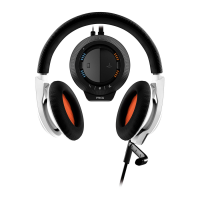
Use the stealth inline microphone for the occasions when connecting directly to a mobile
device. The controls are easy to use and perfect for mobile calls, gaming and music on-the-go.
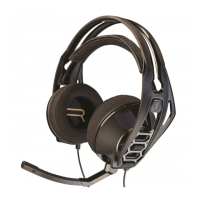
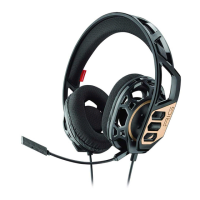
Use the boom microphone for gaming sessions.
1. Call button
2. Mute button
1
Make a call To make a call, dial the number on your mobile device.
2
Answer a call To answer a call, press the call control button.
3
End a call To end a call, press the call button again.
4
Adjust volume To adjust volume, adjust it on your mobile device.
5
Mute To mute the call, switch the mute button up towards the headset. To unmute, move it back
down.
PRO TIP If the inline cable is plugged into the mixer, the Call button on the inline microphone will be
disabled and will not perform any call control functions.
Using the inline
microphone
8



 To Next Page