8 | F200 and F300 User Manual
9. Place the plastic bracket onto the slide tube, aligning
the raised ridge in the bracket with the hole in the slide
tube and the screw holes on back of the counter.
10. Place a screw and washer in each side of the bracket
and half-tighten; making sure that the cog meets the
middle of the grooved rod and tighten the four screws.
11. Check the counter is correctly attached by turning
the grooved rod it to make sure it moves easily in
all positions. If it sticks then either the slide tube or
grooved rod may be damaged, bent or corroded and
may need replacing, or it’s not correctly aligned.
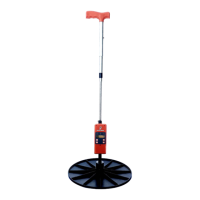
12. Attach the plastic plate by screwing on to the bulb of
the slide tube and place the Platemeter in an upright
position on a hard surface to check the plate closes
fully.


 To Next Page