PlexTools® Installation and Operation Manual 32
• Properties:
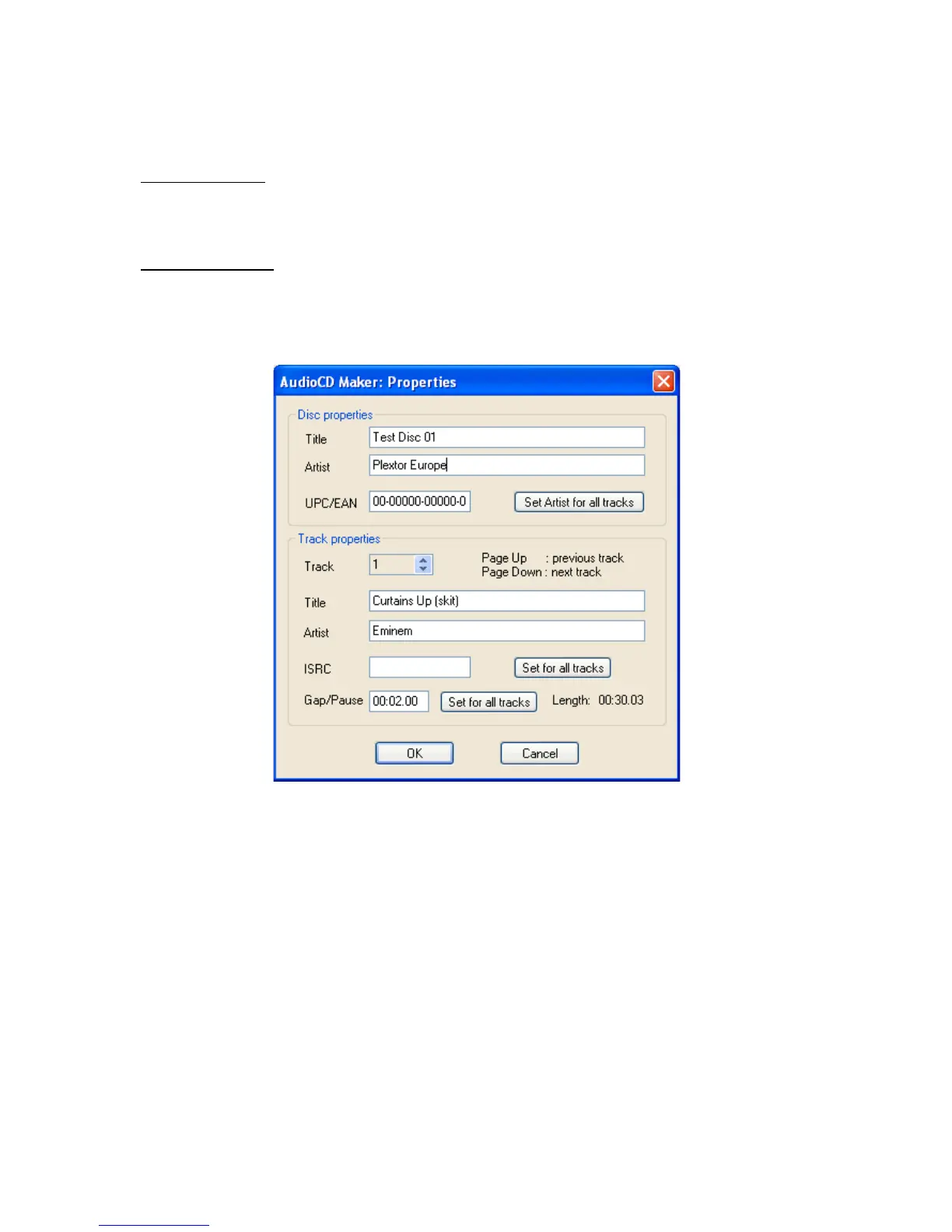
The disc and track properties can be changed by double clicking the track list or by
pressing the ‘Properties’ button.
Disc properties: the CD TEXT information such as title and artist for the entire disc
can be changed or added here. Also UPC/EAN code can be altered.
Set Artist for all tracks: the current Artist name is set for each track.
Track properties: the CD TEXT information such as title and artist for each track can
be changed or added here. Also ISRC code and pregap can be specified.
Set for all tracks: the current gap/pause size is set for each track.



 To Next Page