PlexTools® Installation and Operation Manual 33
• Start:
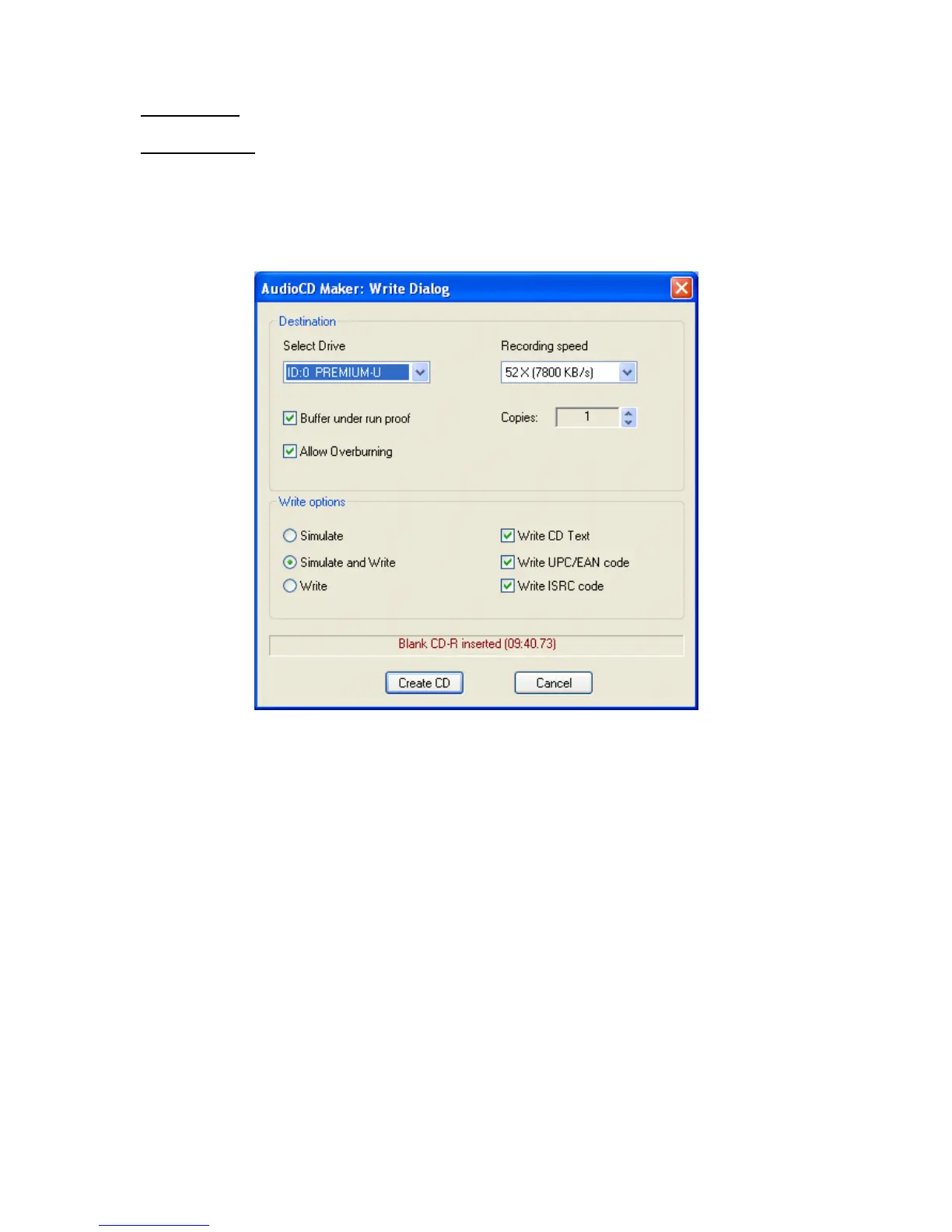
Destination: selects the recorder and write speed.
Write options: You can choose to do a simulation first and then write if simulation
was successful. When the simulation is activated, the burning process will be simu-
lated. Nothing will be written on the CD-R.
Other options allow the recording of CD TEXT, UPC/EAN and ISRC code on the
disc.



 To Next Page