The Anna HTML-interface.
You can log in to the Anna HTML-interface via
https://anna.plugwise.net. You can operate Anna at home via the
Anna HTML interface the same way as you do with the app.
In addition, you can view the system status here and check whether
any rmware updates are available. If you wish to change Anna’s
settings, you can easily do this via the HTML-interface.
To log in to the Anna web page, it is necessary for your smartphone,
tablet or computer to be connected to the same network as to which
you have connected the Smile.
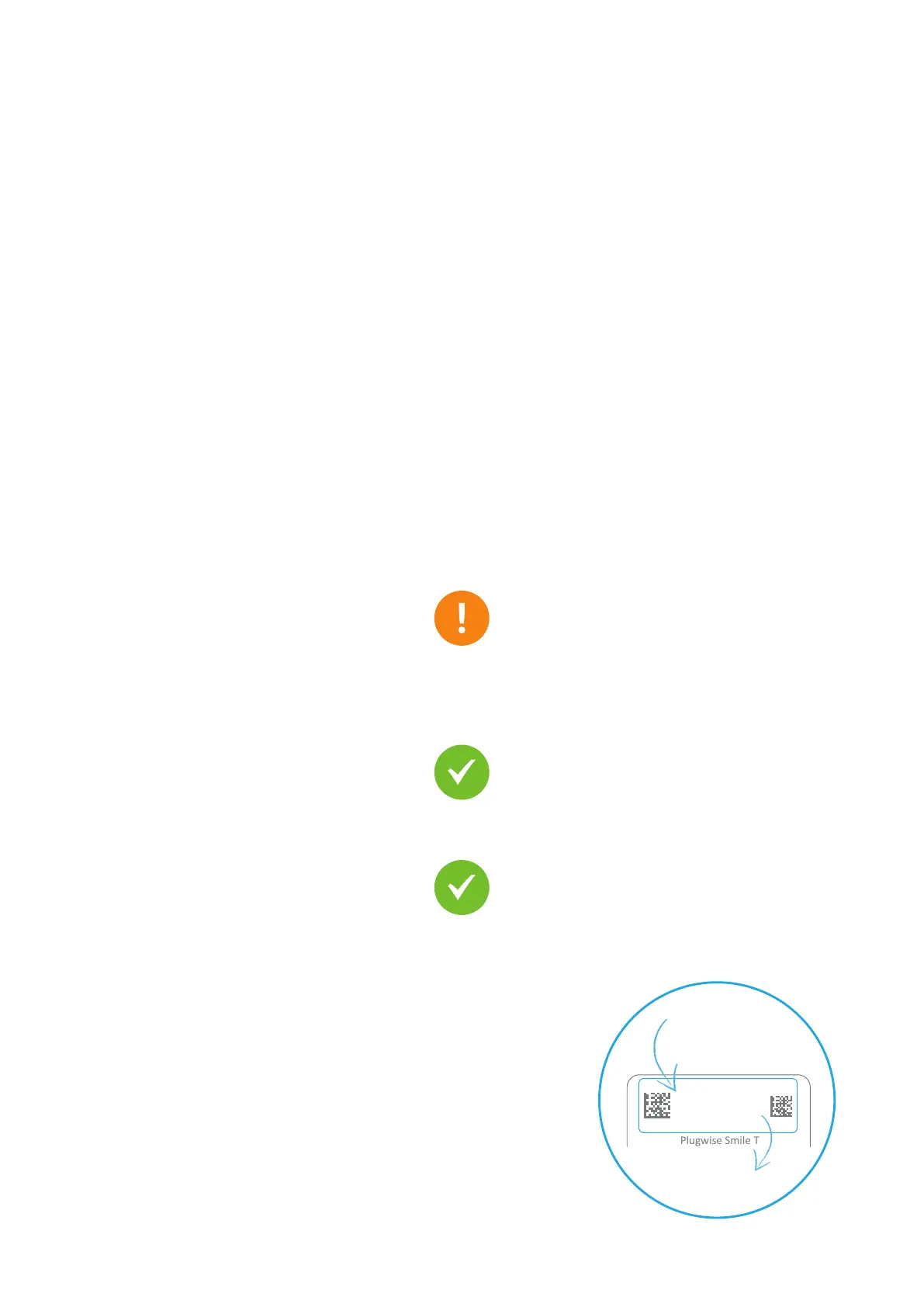
Go to https://anna.plugwise.net
Enter the Smile’s Smile ID and click on connect.
The page with the Anna-screen opens.
stuvwxyz
ssid: smile_abcdef
Plugwise Smile T
+5V
2.5A
+
Sme
trk na
4


 To Next Page