Anna.
5
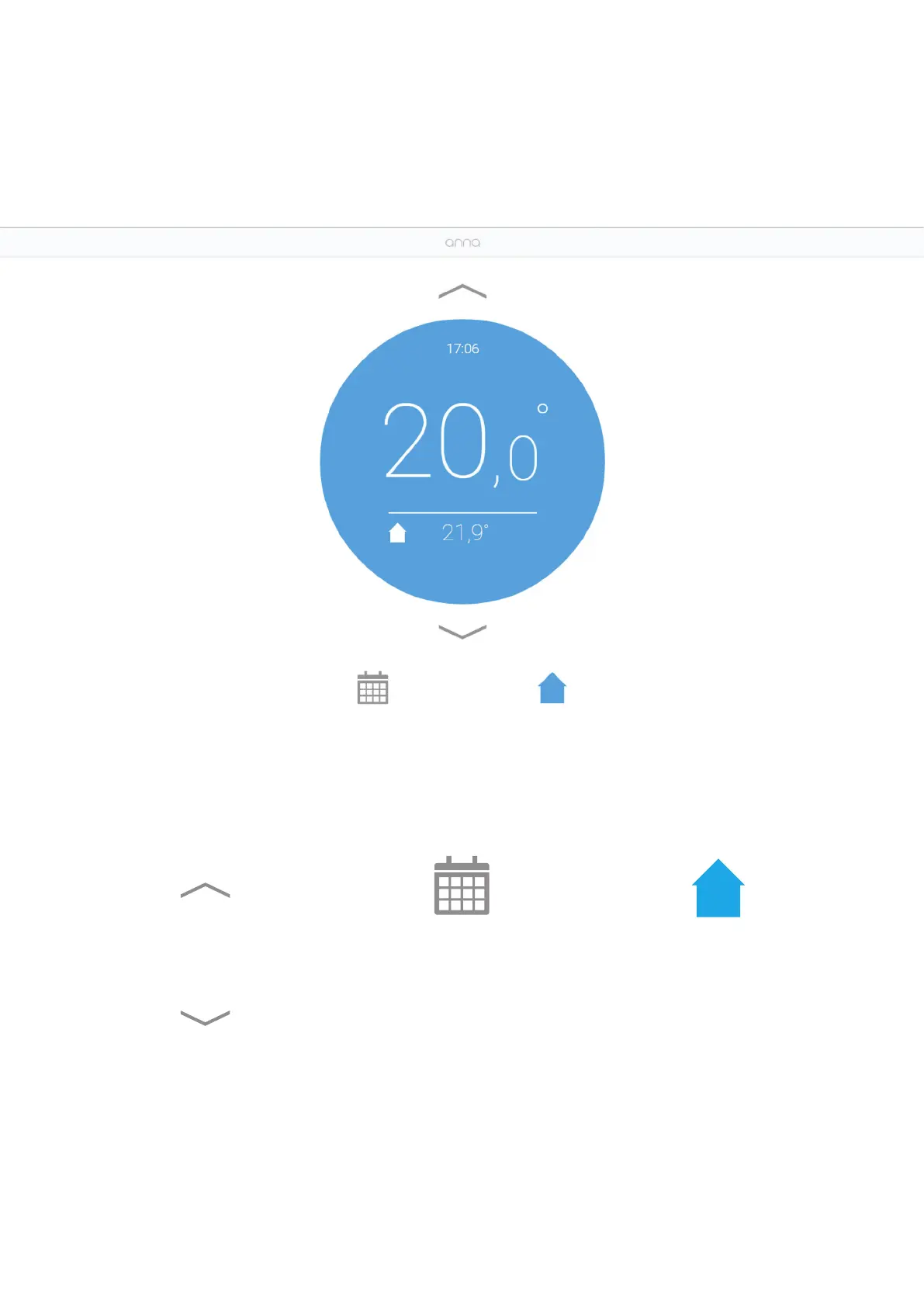
Increase the temperature.
Decrease the temperature.
The “Home” status has been
activated: the icon is blue
and is displayed on Anna’s
screen.
By clicking on the same icon,
you can switch between
the various presets. You
can deactivate a preset
by manually changing the
temperature.
The schedule is deactivated:
the icon is grey. By clicking
the icon you activate the
schedule.


 To Next Page