Preset.
9
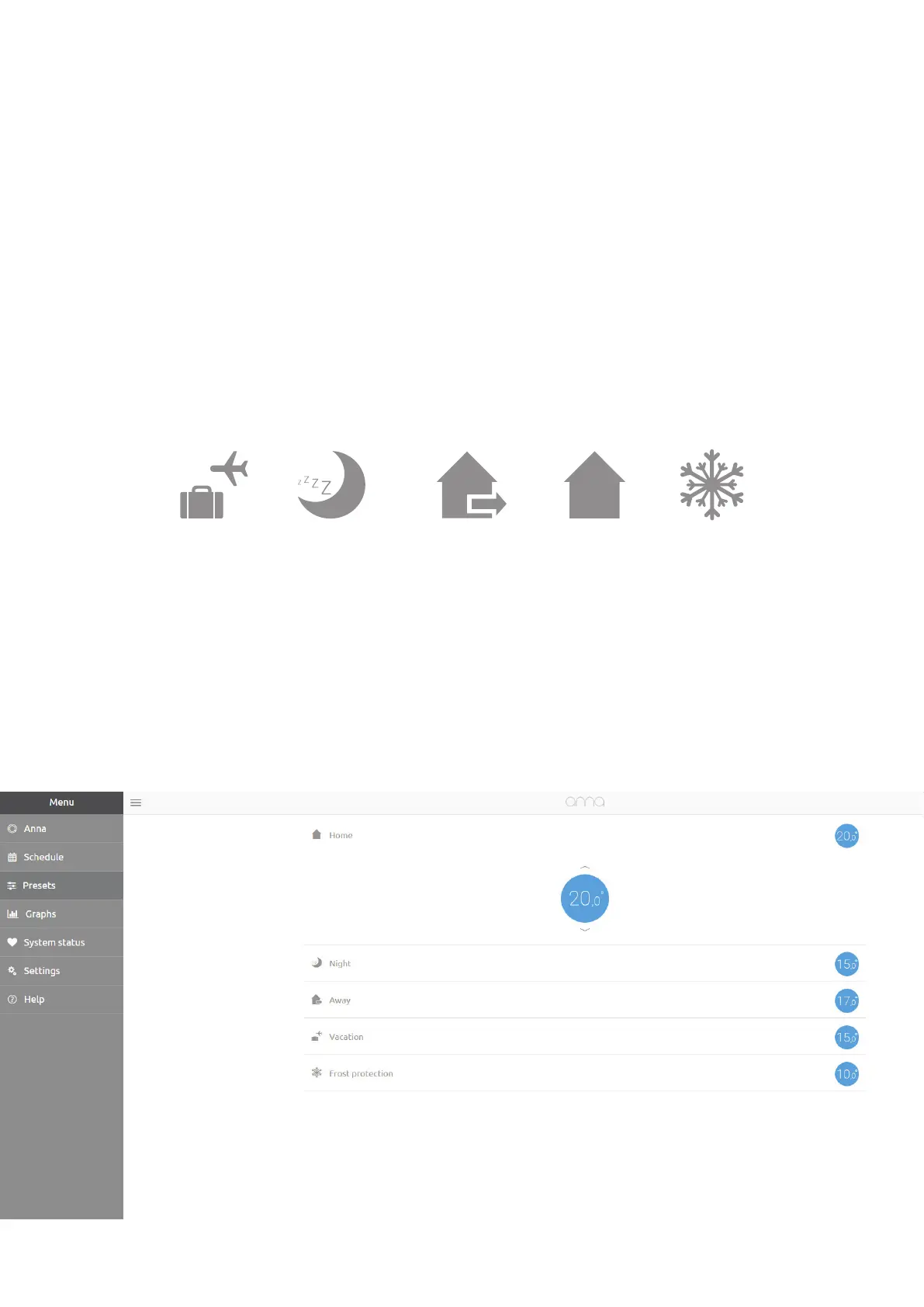
“Preset” makes it possible to quickly adjust a temperature setting
at the single push of a button. The preset button is located at the
bottom right of the Anna screen. By repeatedly pressing this button,
you can switch between the various presets.
A preset is automatically deactivated when a new temperature
setting is activated in the temperature schedule or when you
manually adjust the temperature setting.
The “t ec” and “ci” aumicay
stch hedu. Th y t acve
unl y change yf.
You can set the temperatures for the various presets using “Preset” in
the menu. You can set the temperature by clicking on a preset.



 To Next Page