Page 14/22
7.2 Selecting the referral criteria
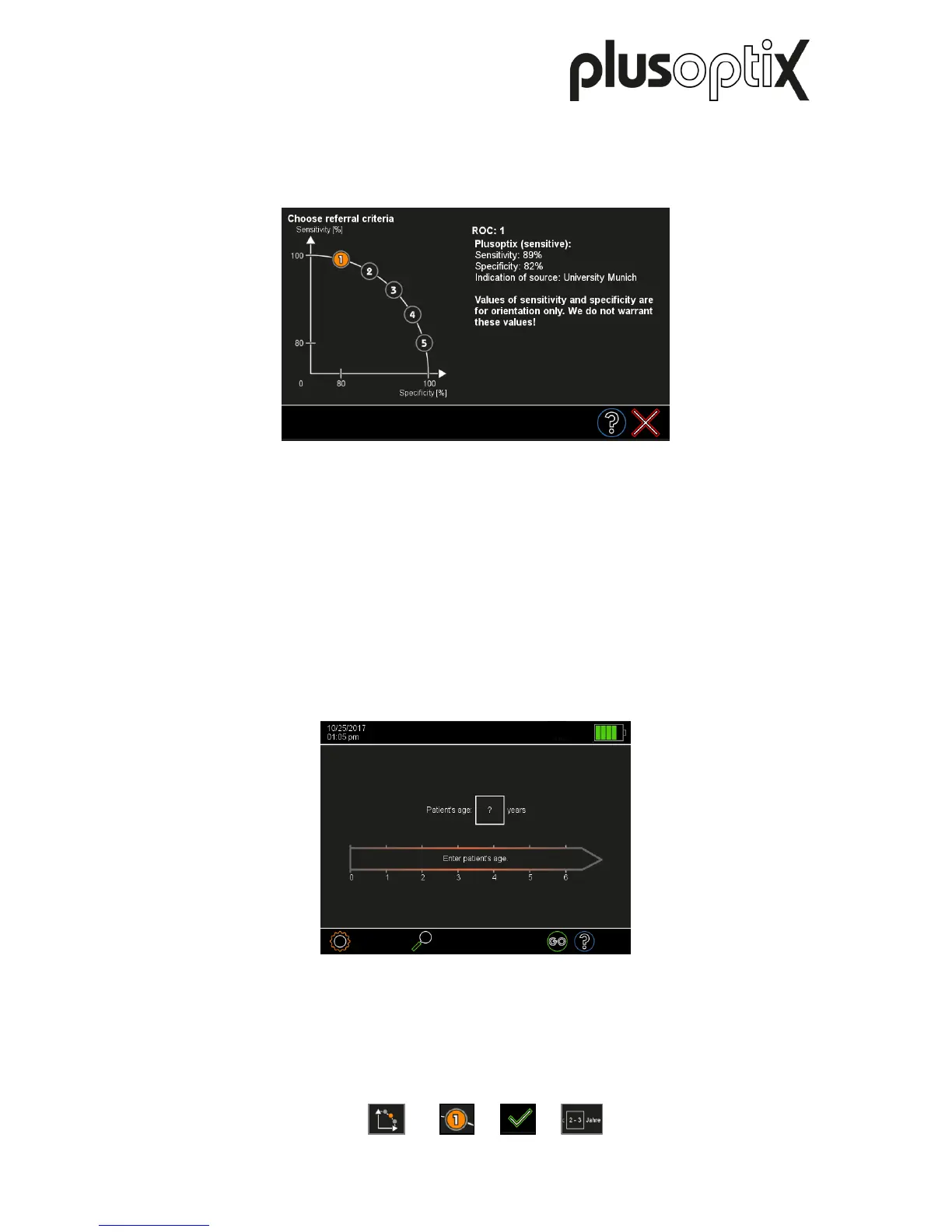
Touch the button to choose the referral criteria (1) in the settings. There are five validated
groups of referral criteria to choose from (see figure 23).
These five groups are called ROC 1, ROC 2, ROC 3, ROC 4 and ROC 5. Each of these
groups defines different, age-dependent thresholds, which lead to a “Refer” preventive test
result. These five groups are shown along a schematic ROC (Receiver Operating
Characteristic) curve. Select a group by touching the relevant button (2) and confirm by
touching the green checkmark (3).
7.3 Starting the measurement and adjusting the “plusoptiX S16”
After you have set the time and date, the home page will be displayed every time you turn
the “plusoptiX S16” on again.
Figure 9: Home screen
Select an age group by touching the appropriate age range (see Figure 4). You must select
the age group (4) in order to ensure the measurement values of the patient are compared
with the correct age-specific referral criteria (see Chapter 7.2 “Selecting the referral criteria”).
1) 2) 3) 4)



 To Next Page