Page 15/22
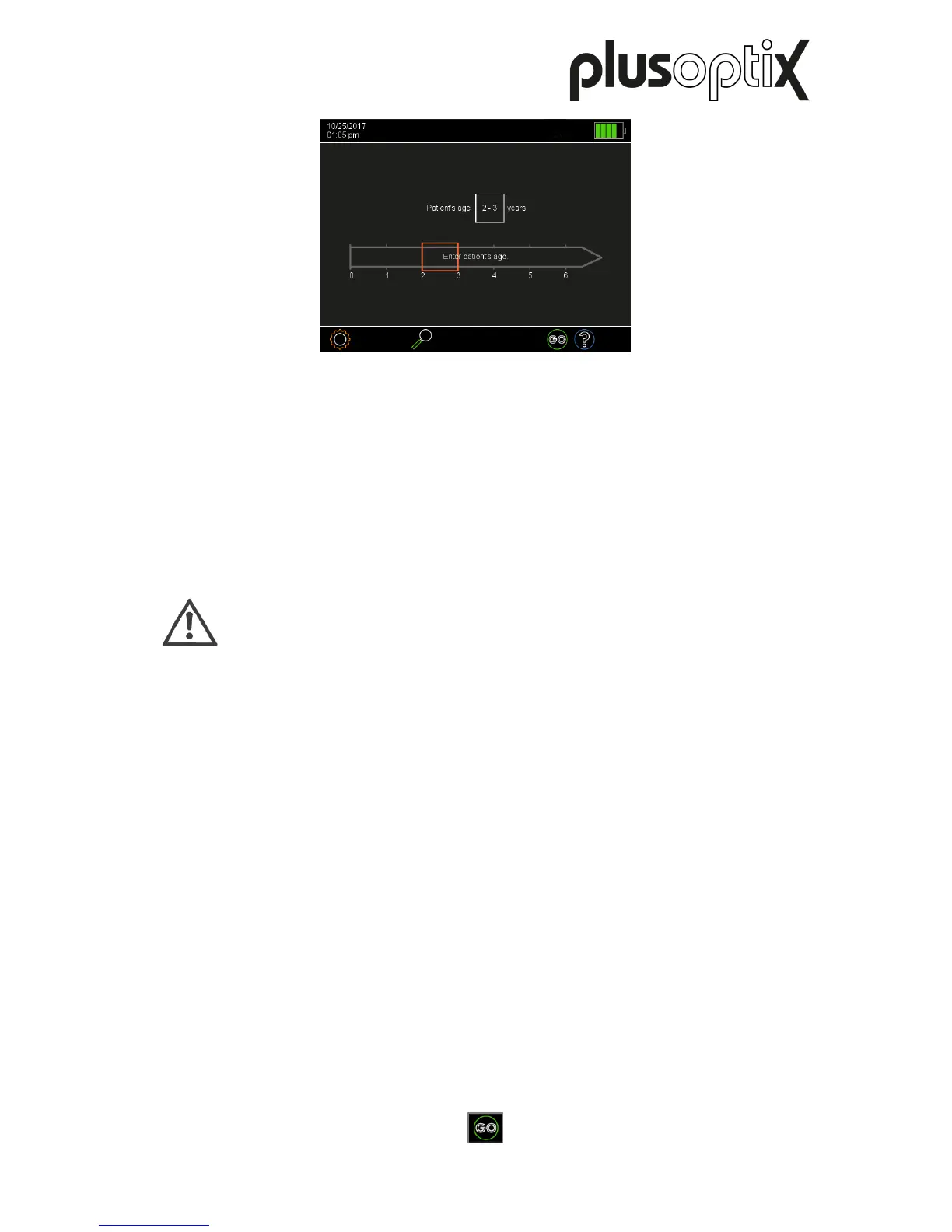
Figure 10: Selection of the age group
- Hold the “plusoptiX S16” at eye level to the child, about 1.2 meters away. The measuring
distance is one meter, but it requires practice to correctly estimate this measuring distance
in one go. It is easier to hold the “plusoptiX S16” somewhat further away at the start of the
measurement and then slowly move it towards the child.
- By touching the flashing “GO” button (1) or pressing the trigger, you will start the camera
and a warble sound will be heard. You can now see the camera image on the screen.
Note:
A started measurement can be aborted by touching the screen.
- Adjust the “plusoptiX S16” so that both eyes can be seen on the screen and then slowly
move the “plusoptiX S16” towards the patient until the camera image can be seen in high-
definition on the screen. Firstly, the pupils will be surrounded by white squares (the image
is still very blurred), then with red and finally with green circles (see Figure 11).
1)



 To Next Page