Page 7/22
3 Learning about the „plusoptiX S16“ and connecting it
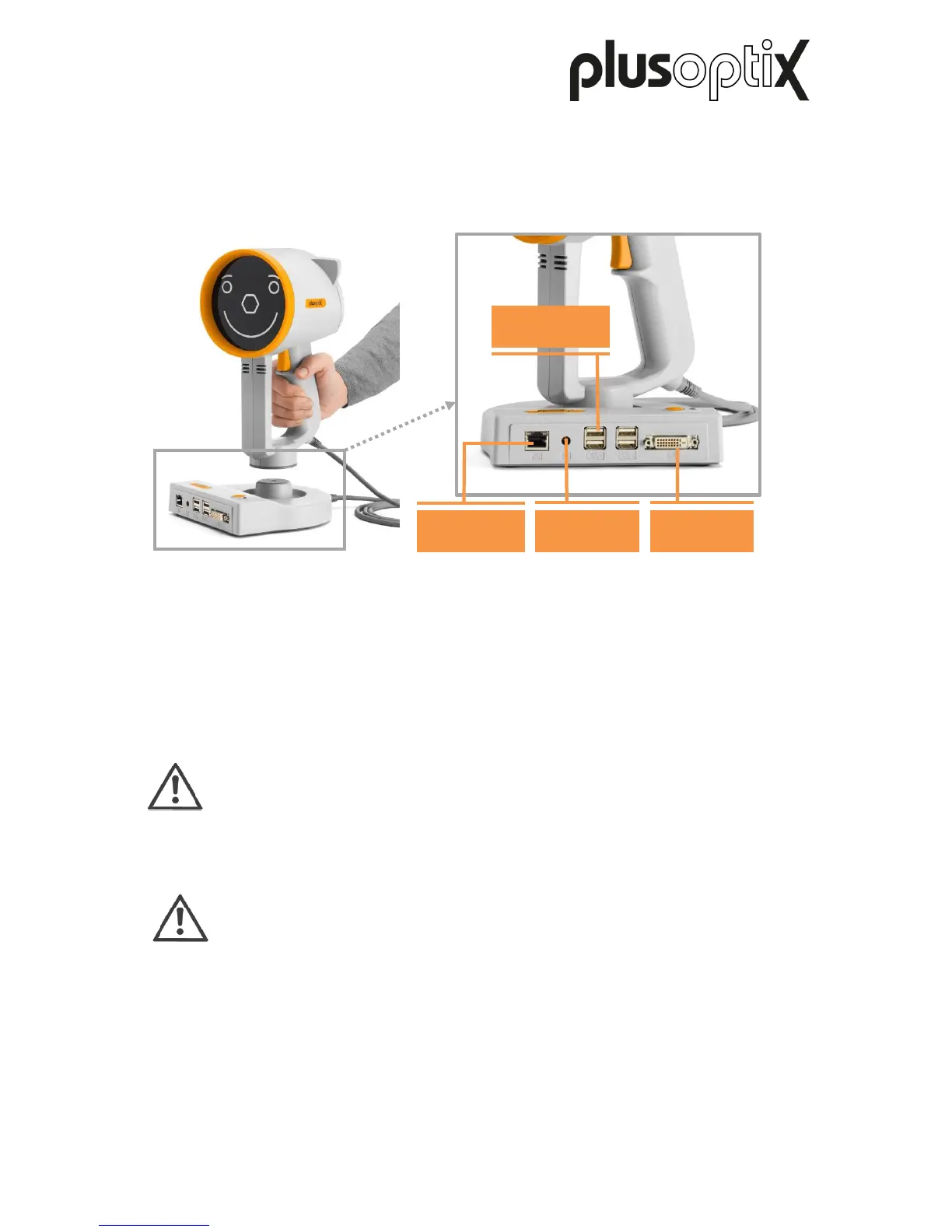
The “plusoptiX S16” is made up of the device with a smiley, which is connected to the cradle
with the device cable.
During a measurement, the “plusoptiX S16” records a series of images. To ensure children
look into the camera during the measurement, the “plusoptiX S16” plays a warble sound.
The speaker, the camera lens and the LEDS needed to light the images are located behind
the black protective screen with the smiley. This smiley helps to keep the child’s attention.
Attention:
If a child is not looking at the camera lens in the middle behind the hexagon
during the measurement, this can lead to a cancellation of the measurement or
incorrect measured values of the visual symmetry. Therefore do not use any
other external fixation aids!
Note:
So that the protective screen does not get dirty, we recommend you do not touch
it. Should the protective screen get dirty, please heed the care instructions in
Chapter 8.



 To Next Page