22
2 and “SEC” in line 3.
2. Press
To advance through the values of 10, 30, 60,
180 and 00 seconds respectively.
3. Press .
To select value and exit to normal display
mode.
If the 12-volt adapter or optional
hardwire kit is installed, the photo
sensor feature disables the time value
for backlight shut-off.
Photo sensor feature
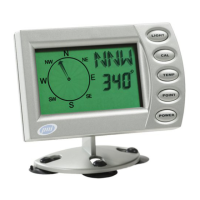
The PNI V6000 comes equipped with a photo
sensor that turns the backlight on or off
depending on the amount of ambient light
it senses when the 12-volt adapter is plugged
in or the optional hardwire kit is installed.
The backlight turns on when the unit senses
darkness and turns off under the following
conditions:
• when the unit senses light again
• when is pressed
• when no magnetic eld change has been
detected for approximately 10 minutes
PROGRAMMING AND OPERATION



 To Next Page