21
Backlight Mode
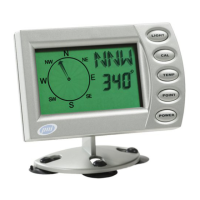
The PNI V6000 has a programmable back-
light auto shut-off feature when operating
on battery power. The default auto shut-off
value is 10 seconds, which means that after
the backlight has been on for 10 seconds, it
will automatically turn off. Other auto shut-
off values include 30, 60, 180, and 00 seconds.
The auto shut-off feature can be disabled, by
selecting “00”, which means that the back-
light will stay on until it is manually turned
off, or when the unit shuts off after 10 min-
utes of no magnetic change. Since the back-
light uses signicantly more power than the
unit itself, it is recommended that the back-
light be turned off when not needed. Alterna-
tively, use the 12-volt adapter to save battery
life. The backlight can be turned off at any-
time by pressing .
To change the backlight auto shut-off value
Press to toggle through the program-
ming options until “LIGHt” and “SEt” display
on screen.
1. Press .
The rst numeric time value displays in line
PROGRAMMING AND OPERATION



 To Next Page