7
MENU button
Press to advance through programming
menu options “CALIb” (calibration), “dECL”
(declination), “LIGHt” (backlight), “bEAr”
(bearing point), “bAro” (barometer), “tEMP”
(temperature) and “ALt” (altimeter) and to
exit a programming menu.
ENT button
Press in normal display mode to toggle
between barometric pressure, altitude, and
weather forecast. Press in programming
mode to store a displayed value.
ALT.SET button
Press as a quick reset for altitude. It
resets the altitude from the currently displayed
altitude to the stored altitude.
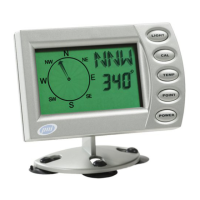
DISPLAY AND BUTTONS



 To Next Page